
Managing customer messages on a personal phone or the basic WhatsApp business app becomes nearly impossible as your volume grows. The standard setup limits access to just a few linked devices, meaning your team has to constantly pass a single phone around or share login details just to answer routine questions. This lack of structure leads to missed follow-ups, delayed replies, and zero clarity on which agent is handling which customer interaction.
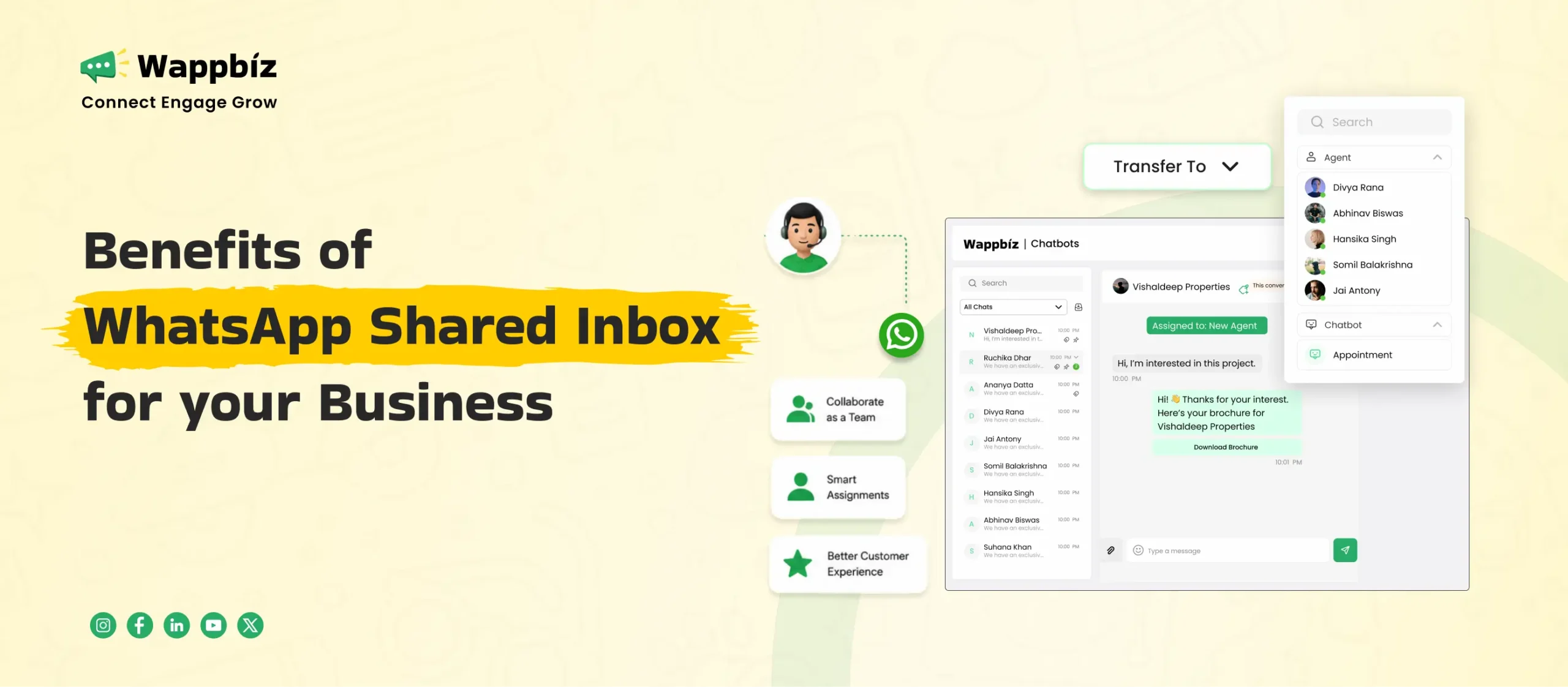
To fix this operational mess, growing businesses need to move their communication to a single, central dashboard. Implementing a WhatsApp Shared Inbox allows your entire sales and support team to log in at the same time using their own individual profiles. This turns a basic messaging tool into a structured customer workspace where you can reply faster, track agent performance, and ensure no incoming lead falls through the cracks.
Benefits of WhatsApp Shared Inbox
1. Multiple Agents Can Work from One Number
You no longer need to buy separate SIM cards or mobile phones for every new employee who joins your team. A shared inbox allows your entire sales and support staff to log in and reply to customers using a single business number at the same time. This keeps your brand identity consistent because customers only ever need to save one official number to interact with your business.
2. Clear Chat Assignment to Specific Teammates
Every incoming customer conversation can be assigned to a specific team member manually or through automated routing rules. This ensures that every chat has a clear owner, removing confusion and making sure no customer inquiry is left unaddressed. It also allows you to assign technical queries to tech agents and sales queries to sales specialists instantly.
3. Collision Detection Stops Overlapping Responses
When multiple people try to use the same basic app, two agents often reply to the same customer simultaneously. A shared WhatsApp team inbox prevents this by restricting chat visibility agents are assigned specific customer chats and only work within their assigned queue. Because conversations do not sit in an open, unmanaged pool, there is no risk of agents overlapping or sending duplicate responses.
4. Internal Notes for Team Collaboration
A team inbox features a dedicated internal notes text box alongside every customer conversation. Agents can instantly document key lead details, budget constraints, or specific customer requests and pin them directly to the top of the chat window. Anyone who accesses that customer thread gets an immediate, high level briefing of the context and important details of customers without having to scroll through long message threads.
5. Categorize Conversations with Custom Tags
You can add custom labels or tags to incoming chats based on customer intent, priority, or specific product requirements. This makes it incredibly easy to sort your inbox, filter past conversations, and focus on high-priority leads first. Tags also help you group your audience later if you want to send relevant updates to specific types of buyers.
6. Track Lead Statuses Across Chats
Every inbound inquiry automatically enters the system tagged as a “New” lead, instantly appearing at the top of the workspace queue. From there, team members can manually update statuses (such as “Contacted,” “Demo Scheduled,” or “Proposal Sent”) as the deal progresses. Alternatively, statuses can be automatically updated using no-code chatbot logic—for instance, changing a lead’s status to “Demo Scheduled” the moment a buyer confirms a booking time inside the chat.
Learn more about WhatsApp Team Inbox by reading our complete guide, where you’ll find everything you need to know about managing team conversations efficiently.
7. Complete Interaction History in One View
When a customer reaches out, your agents do not have to waste time asking for repeat details or past background information. The platform displays the complete past chat history alongside notes from previous customer interactions. This allows any agent on the team to step into a chat seamlessly without breaking the conversation flow.
8. Automatic Customer Data Sync with CRM Tools
A shared inbox connects directly with your existing customer relationship management software and central database. This ensures that every chat interaction, contact detail, and lead update updates across your systems automatically. It removes the need for manual data entry and keeps your records completely accurate.
9. Native Shopify and WooCommerce E-Commerce Sync
For retail and e-commerce brands, the platform integrates directly with Shopify and WooCommerce. Agents can view purchase histories and order details inside the profile tab next to the chat. Whenever fulfillment updates in Shopify, a live tracking URL syncs automatically to the profile for one-click updates. Plus, any new purchases placed through WhatsApp populate instantly in the customer’s central order history.
10. Faster Response Times for Inbound Leads
With automated chat distribution and simple navigation tools, your team can answer incoming customer questions much faster. Replying quickly keeps hot leads engaged before they lose interest and reach out to a competitor. Faster response times directly translate to higher conversion rates for your marketing campaigns.
11. Secure Customer Data on a Central Platform
When employees use personal devices or personal apps to chat with clients, you risk losing critical business contacts and chat data. A centralized system keeps all customer information and chat histories safely stored within your company platform. If an agent leaves your company, your business retains full ownership of those customer relationships.
12. Reusable Quick Replies for Common Questions
You can create and save standardized templates for questions your team answers every single day, like welcome messages, pricing models, refund rules, or physical location details. Agents can instantly pull up and send these pre-written text blocks with a single click. This saves hours of manual typing and ensures your messaging remains consistent.
13. Smooth Handoff from Chatbots to Live Agents
You can deploy a no-code chatbot to handle basic greeting messages, answer simple FAQs, or collect contact information upfront. When a customer asks a complex question that requires human expertise, the chatbot hands the chat over to a live agent smoothly. The agent receives the chat with the full conversational context already visible.
14. Performance Analytics
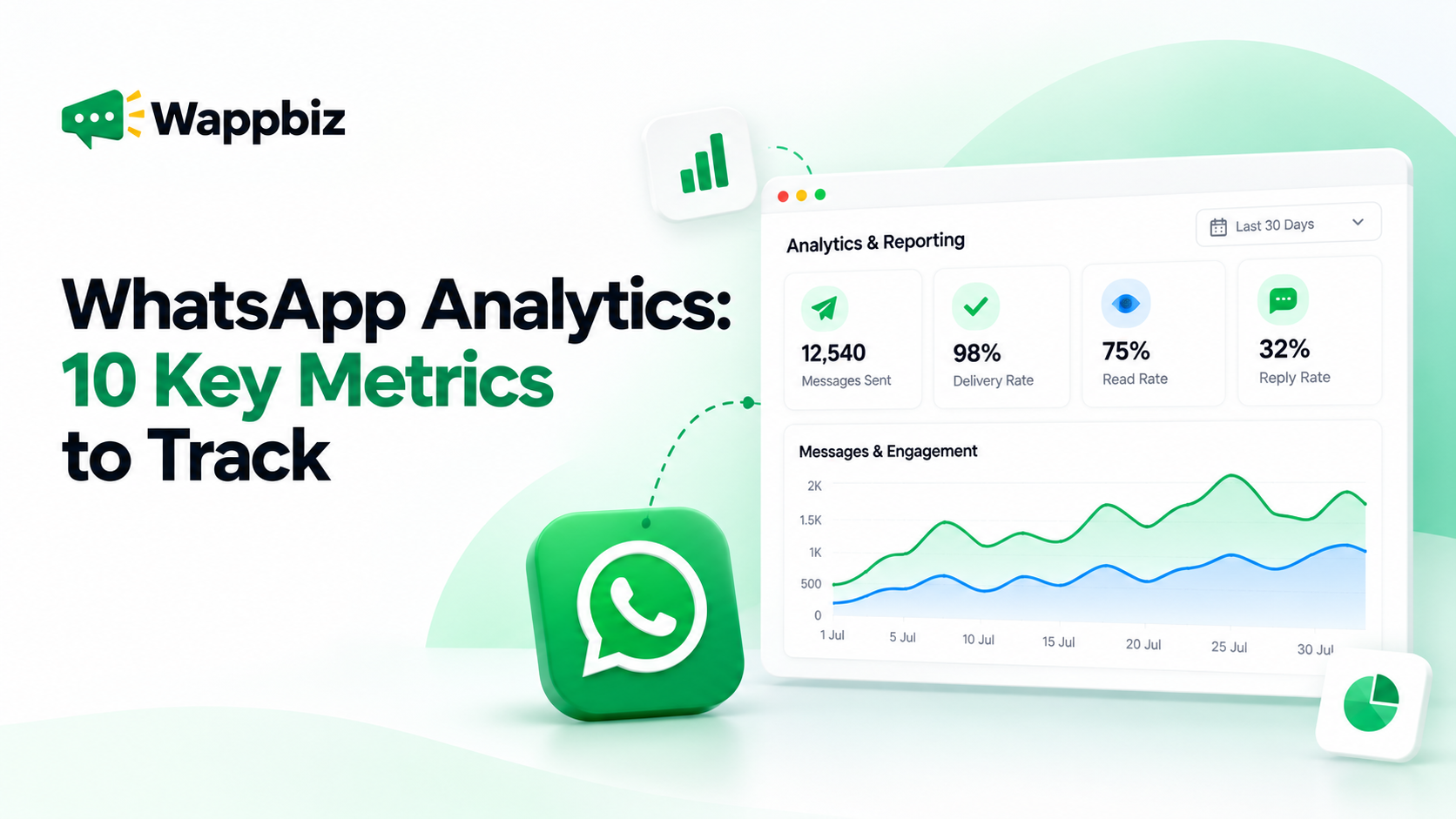
Managers maintain oversight and measure productivity by leveraging targeted data filtering. By applying individual agent filters across active, pending, and updated chat statuses, administrators can easily generate and export granular reporting logs. This raw performance data can be extracted directly to evaluate individual team workloads, check lead status progression, and review conversion rates.
15. Round Robin Routing Distributes Workloads Fairly
You can set up automated assignment rules that pass new incoming customer chats to the next available team member in a sequential loop. This automatic distribution prevents a single agent from getting overloaded while other team members have open capacity. It creates a balanced, fair, and high-performing workplace environment.
16. Real Time Chat Monitoring for Quality Control
Managers can look over active customer conversations as they happen without having to interrupt the chat. This allows you to check the quality of responses, guide new team members during their training phase, and step into the conversation if a complex issue pops up.
17. Role-Based Page Access Control
To maintain system integrity and data security, administrators can configure precise Page Access Controls across individual user profiles. Depending on an employee’s role (Admin, Manager, Team Lead, or Team Member), visibility can be dynamically toggled on or off for specific operational modules—ensuring frontline agents only access the live chat interface while restricted features like analytics, billing, or broadcast permissions remain protected.
18. Individual Staff Profiles Instead of Shared Passwords
Eliminate security risks associated with shared credentials by assigning every team member a unique login ID and password. Once logged in, an agent’s workspace is strictly configured to display only the specific chats assigned to them or their immediate department. This keeps individual agent workspaces clutter-free while ensuring cross-departmental customer conversations remain private and securely partitioned.
19. Customer Data Protection via Phone Number Masking
When sales and support reps handle conversations, protecting prospective buyer privacy and company records is critical. Built-in Number Masking ensures that sensitive customer contact details and phone numbers are hidden from unauthorized users and frontline agents. Only authorized managers or admins can view full contact information, completely preventing data theft, contact list scraping, or unauthorized client outreach outside the workspace.
20. Organized Dashboard Makes Inbox Zero Achievable
A clean, centralized interface makes tracking pending work simple. By assigning tasks to the right people, using automated rules, and moving resolved conversations out of the main view, your team can systematically clear the queue and keep the inbox organized every single day.
Conclusion
Moving your customer communications away from personal phones and shifting to a professional team setup is a critical step for any growing business. A central dashboard removes the daily confusion of shared passwords, missed follow-ups, and messy chat logs. It replaces manual chaos with clean organization, giving your sales and support teams the exact tools they need to collaborate, reply faster, and keep your customers happy.
Choosing an AI-powered platform like WappBiz gives you the perfect system to manage this transition seamlessly. With features like multi-agent access, automated chat routing, and live performance tracking, it turns your messaging channel into a powerful business asset. Making this change ensures your team can handle high message volumes easily, protect your customer data, and scale your operations without losing the personal touch that drives sales.