

Connect Stripe with WhatsApp for Smarter Payment Communication
Integrate Stripe with WappBiz to bring WhatsApp communication into your payment workflows, reduce manual messaging, and keep customers informed.
Powering Customer Conversations for Growing Brands













Why Integrate Stripe with WappBiz?
Connect Payments & Conversations
Bring Stripe payment activity and WhatsApp communication into connected workflows for a smoother customer experience.
Automate Payment Communication
Use supported workflows to automate WhatsApp messages around relevant payment events and reduce repetitive manual follow-ups.
Improve Customer Follow-Ups
Keep customers informed with timely WhatsApp communication throughout their payment journey.
Reduce Manual Work
Connect payment-related workflows with WhatsApp automation so your team spends less time handling repetitive communication.
Create Personalized Experiences
Use available customer and payment information within supported workflows to deliver more relevant WhatsApp communication.
Build Connected Workflows
Connect Stripe and WappBiz to create streamlined workflows between payments, customer communication, and business processes.
How to Integrate Zoho with WappBiz
Step 1 — Open WappBiz Integrations
Log in to your WappBiz account and navigate to the Integrations section.
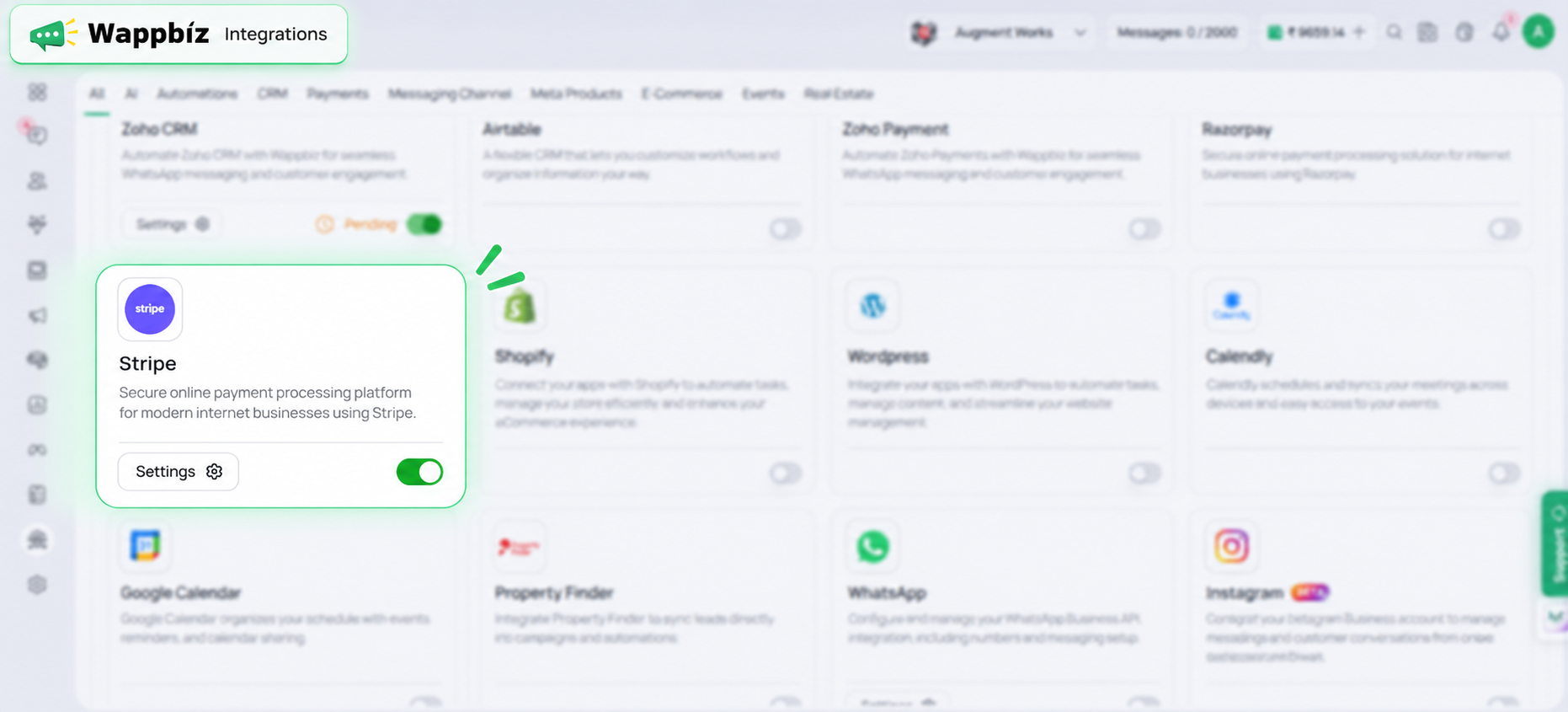
Step 2 — Select and Configure Stripe
Find Stripe in the integrations library and select it to begin setup.
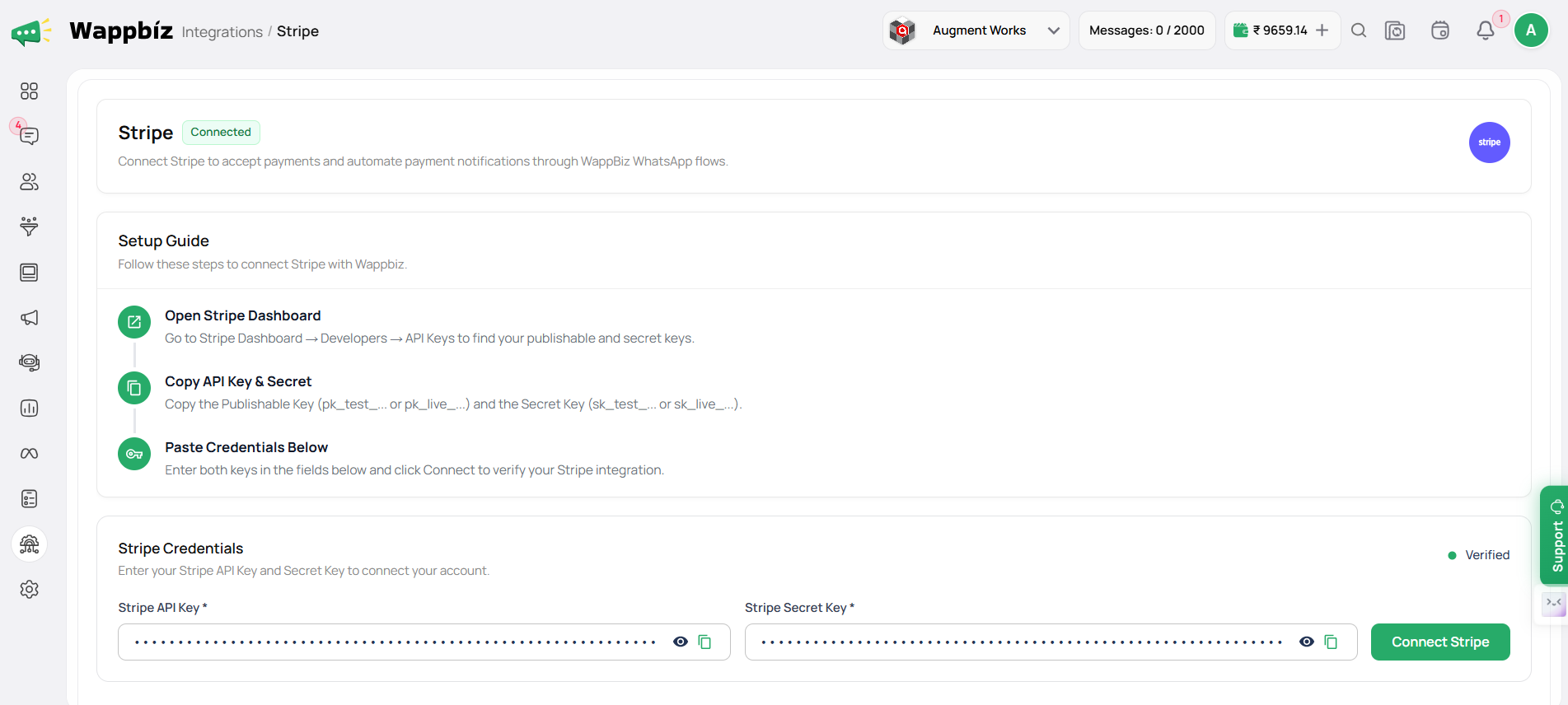
Step 3 — Activate & Start Using Stripe with WappBiz
Enable the integration and start using Stripe with your supported WappBiz workflows.
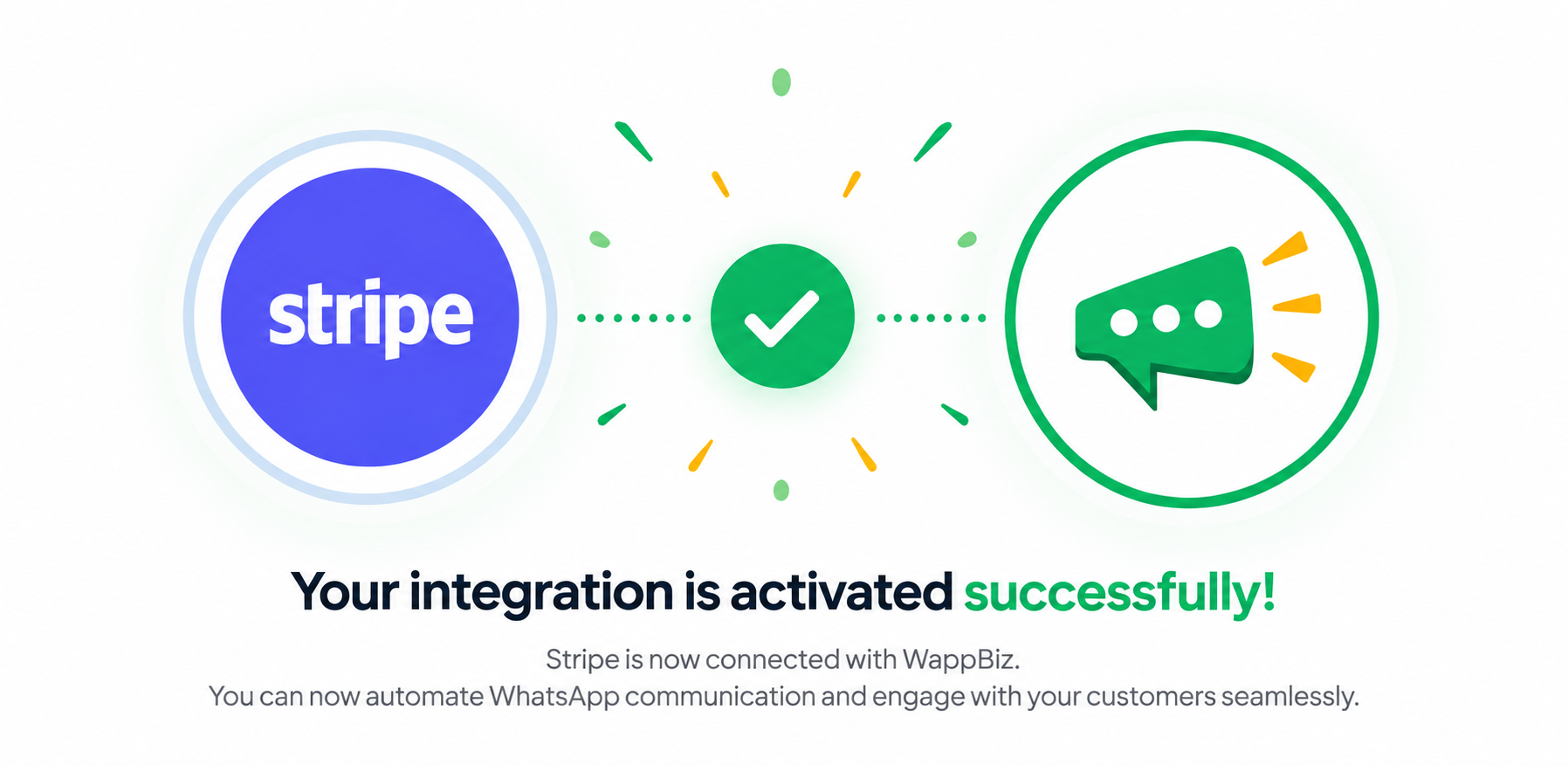
You're All Set!
Now, you’re all set to connect Zoho CRM and Zoho Payments with WappBiz for seamless WhatsApp messaging, automation, and customer engagement

Frequently Asked Questions
The integration connects Zoho CRM and Zoho Payments with WappBiz to support WhatsApp messaging, automation, and customer engagement.
Yes. WappBiz allows you to connect Zoho CRM with WhatsApp to streamline supported messaging and customer engagement workflows.
Yes. Zoho Payments can be integrated with WappBiz to support WhatsApp communication around your customer and payment workflows.
Yes. WappBiz provides integrations for both Zoho CRM and Zoho Payments, allowing businesses to connect the relevant Zoho tools with their WhatsApp communication.
The integration helps streamline customer communication, reduce repetitive messaging, support automation, and create a more connected customer experience.
Yes. WappBiz can be used to automate WhatsApp communication within supported Zoho workflows.
Go to Integrations in WappBiz, select Zoho CRM or Zoho Payments, and follow the setup instructions to activate the integration.
It is ideal for businesses using Zoho CRM or Zoho Payments that want to streamline WhatsApp communication, automate supported workflows, and improve customer engagement.