
Capture, Qualify and Convert Property Finder Leads on WhatsApp
Automatically bring Property Finder leads into WappBiz and engage prospects on WhatsApp with instant follow-ups, automated conversations, and smarter lead nurturing.
Powering Customer Conversations for Growing Brands













Turn Property Enquiries Into WhatsApp Conversations
Capture Property Finder Leads
Bring incoming Property Finder enquiries into WappBiz so your team can start engaging prospects without manual lead transfers.
Trigger Instant WhatsApp Follow-Ups
Automatically start timely WhatsApp follow-ups when a new Property Finder enquiry comes in.
Centralize WhatsApp Conversations
Manage property enquiries and WhatsApp conversations from one shared workspace so your team stays aligned.
Automate Lead Qualification
Use automated conversations to collect buyer or tenant requirements such as budget, location, property type, and timeline.
Schedule Property Viewings Faster
Guide qualified prospects toward booking site visits or property viewings directly through WhatsApp conversations.
Built for Real Estate Lead Nurturing
Follow up with buyers, tenants, and investors using automated reminders, property updates, and personalized agent conversations.
Connect Property Finder in Few Simple Steps
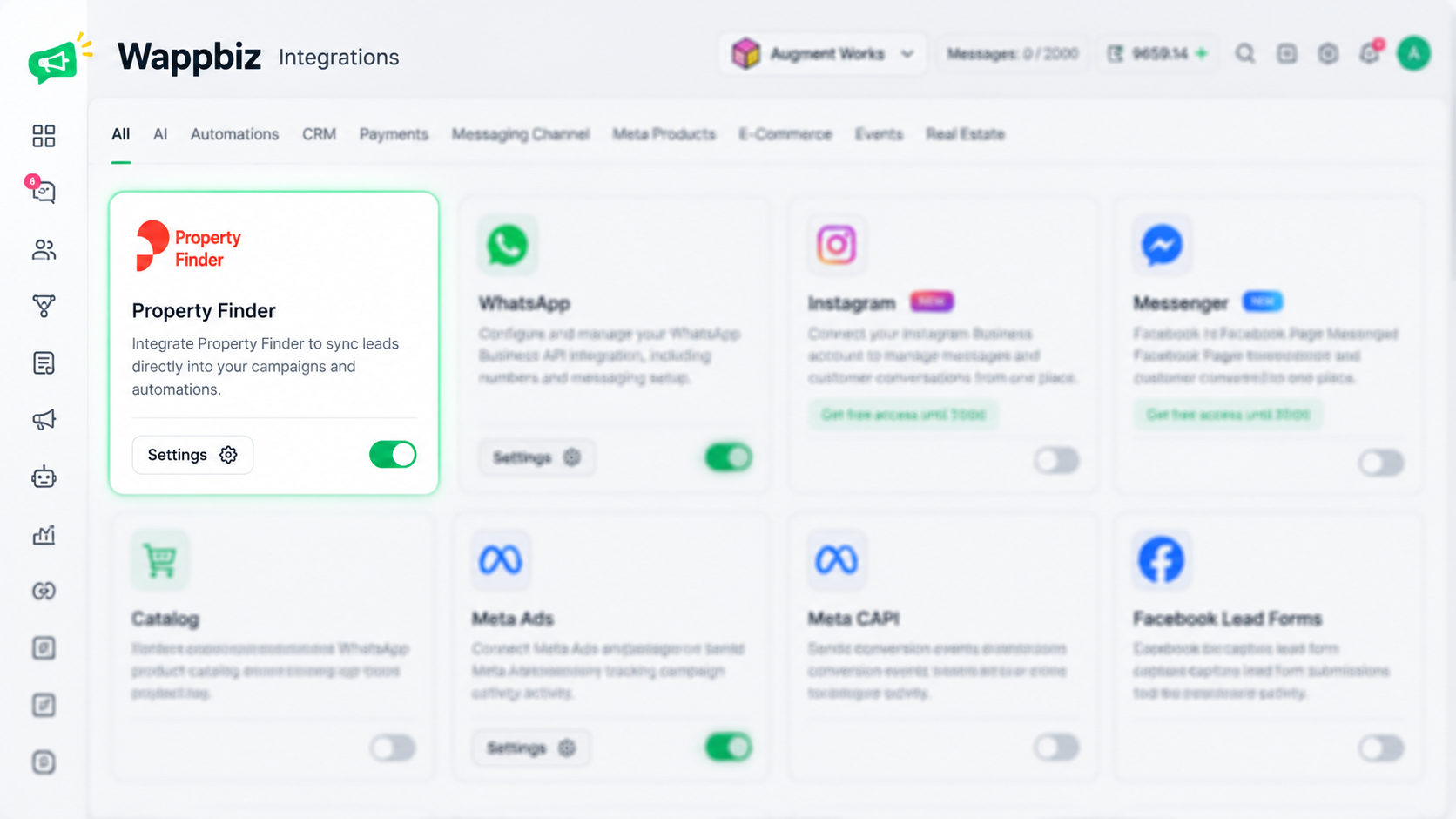
Step 1 — Find Property Finder
Locate the Property Finder integration from your available integrations list.
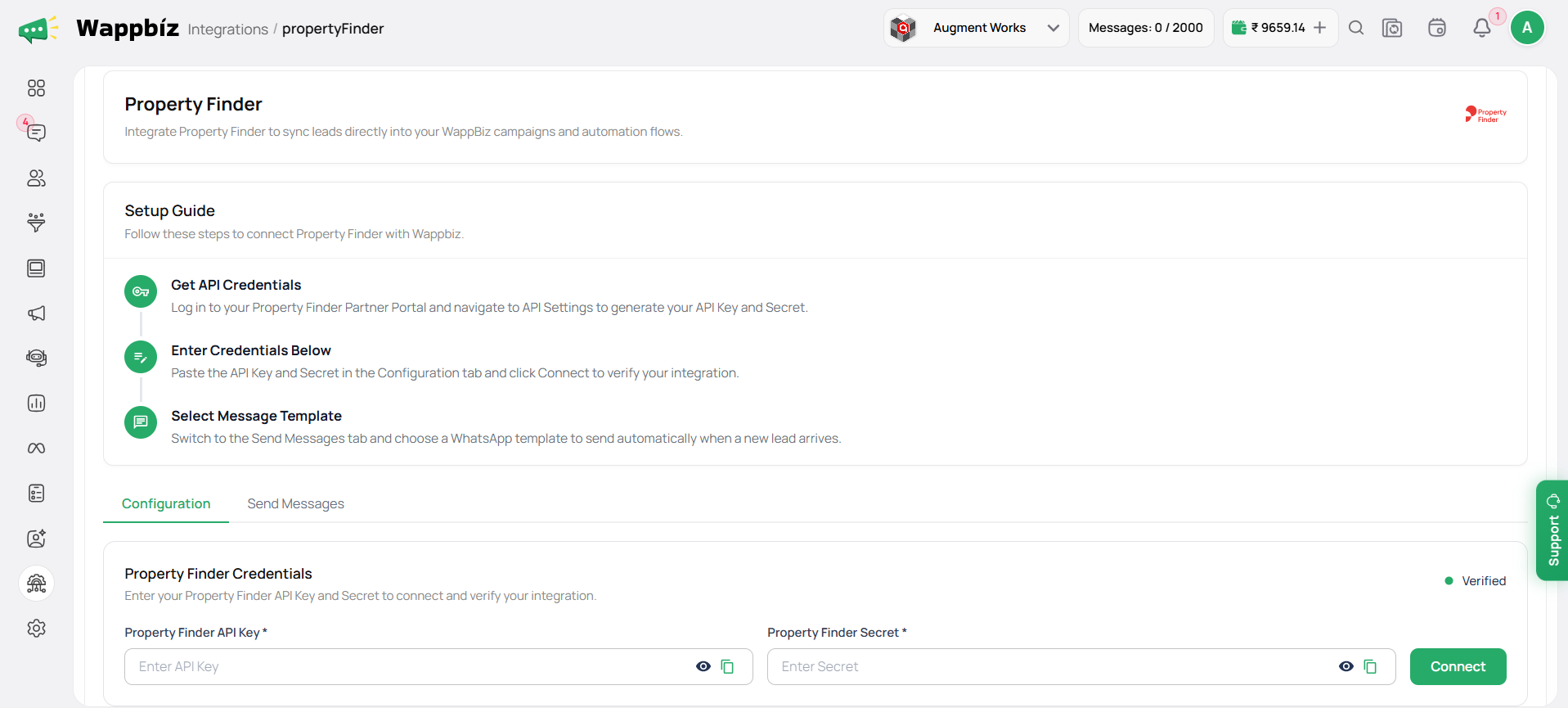
Step 2 — Enter Your API Credentials
Add your Property Finder credentials so WappBiz can verify and establish the connection.
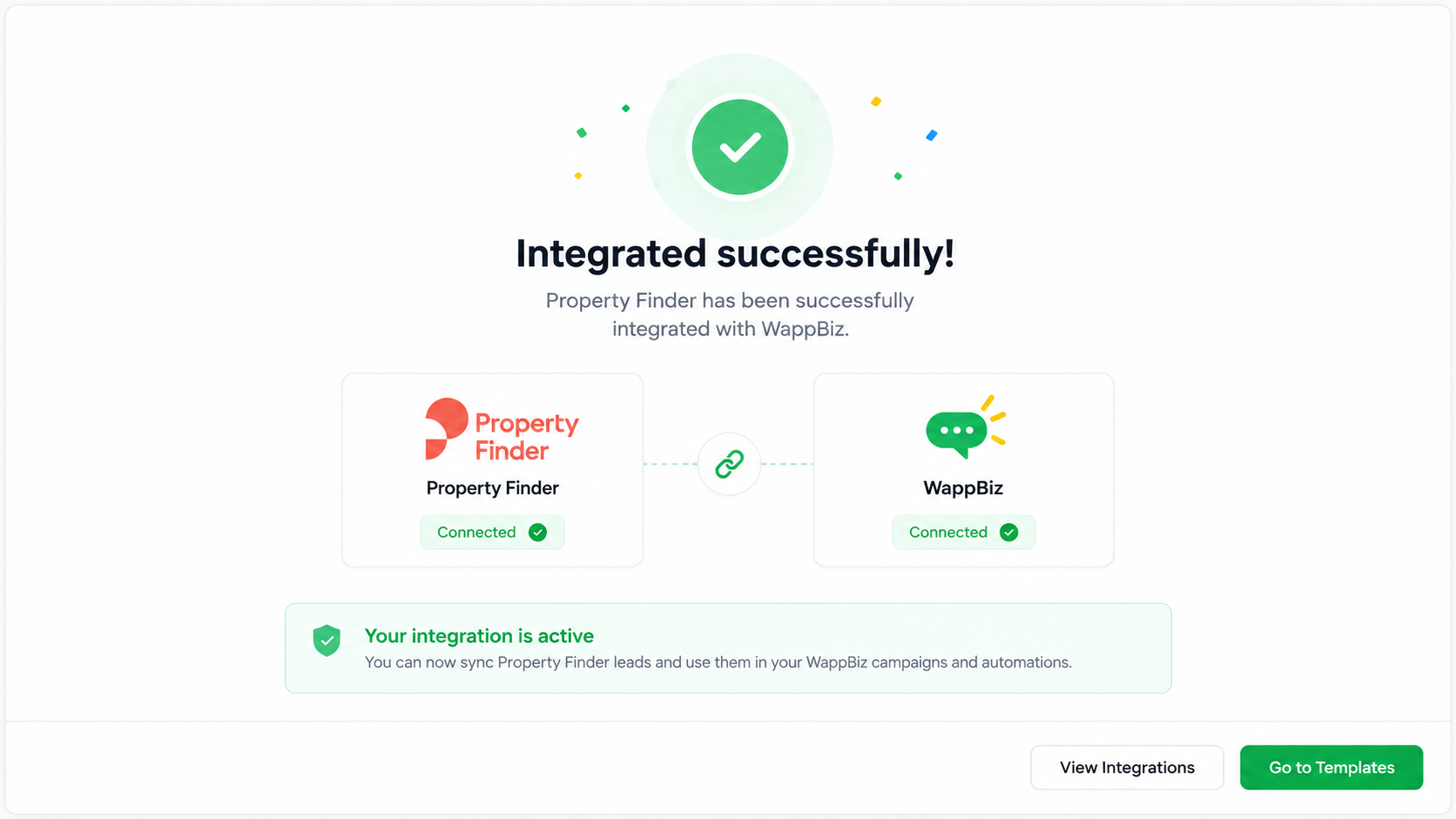
Step 3 — Connection Complete
Once your credentials are verified, your Property Finder integration is connected and ready to use.
You're All Set!
Now, you’re all set to import MDoc templates and use them effortlessly across your WhatsApp campaigns and automations!

Frequently Asked Questions
It connects Property Finder with WappBiz so incoming property leads can be used in WhatsApp campaigns and automation workflows
Enable the Property Finder integration, open Settings, enter your API Key and Secret, and click Connect.
Yes. You’ll need valid Property Finder API credentials to verify and activate the integration.
Yes. Once connected, Property Finder leads can flow into WappBiz based on your integration setup.
Yes. You can configure WhatsApp templates and automation workflows to follow up with incoming leads.
Yes. WappBiz can help automate follow-ups, reminders, and lead-nurturing conversations through WhatsApp.
Yes. You can collect details such as budget, location, property type, and other requirements through automated conversations.
Yes. Your team can manage WhatsApp conversations and continue follow-ups from WappBiz.