
 Powered by Official WhatsApp Business API
Create WhatsApp Forms
Get Qualified Leads Faster
Capture enquiries, bookings, support requests, and customer details through branded custom WhatsApp Forms builder. Share them anywhere and automate the next step instantly.


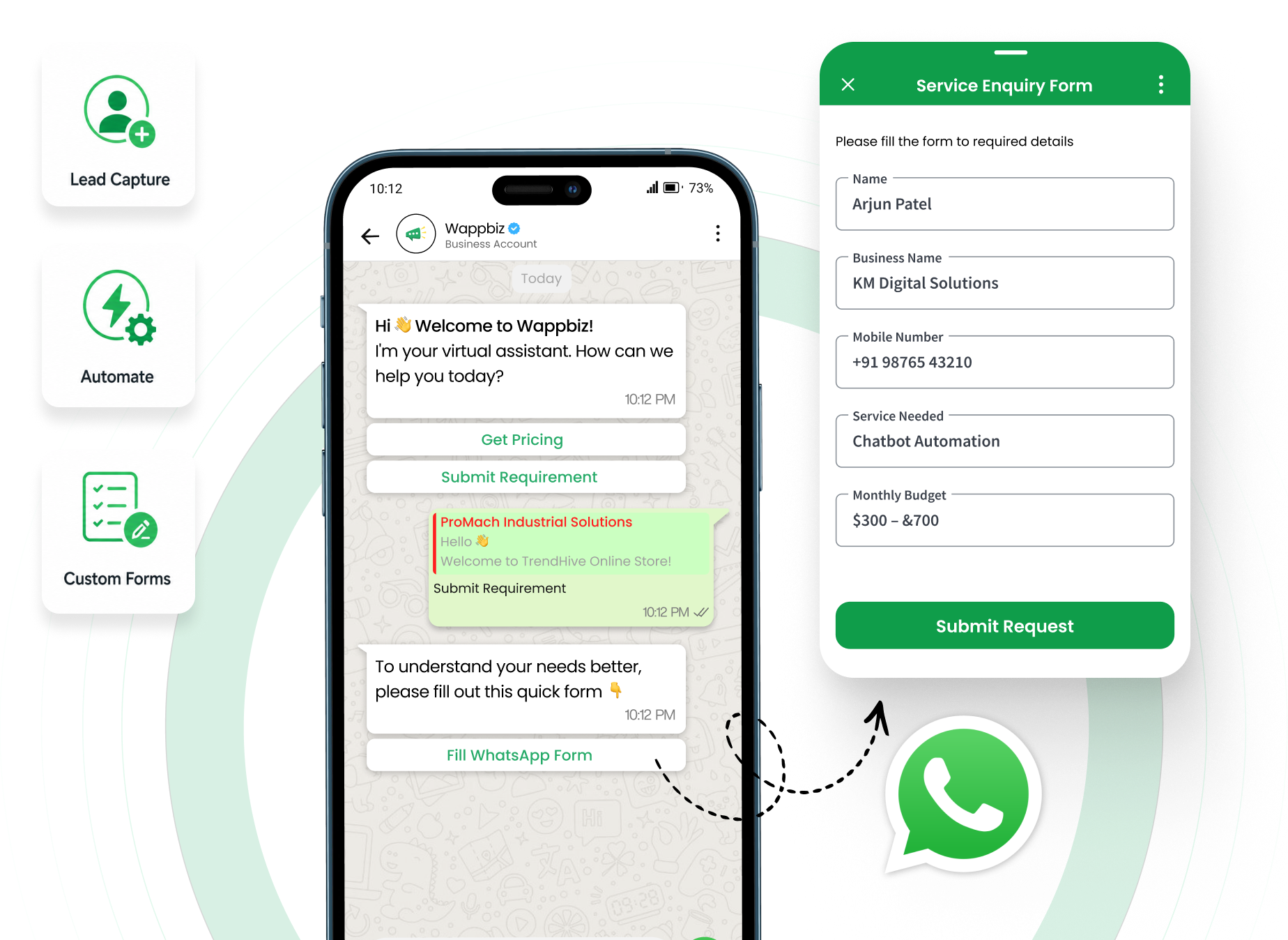
Join over 500+ customers worldwide who trust Wappbiz!


























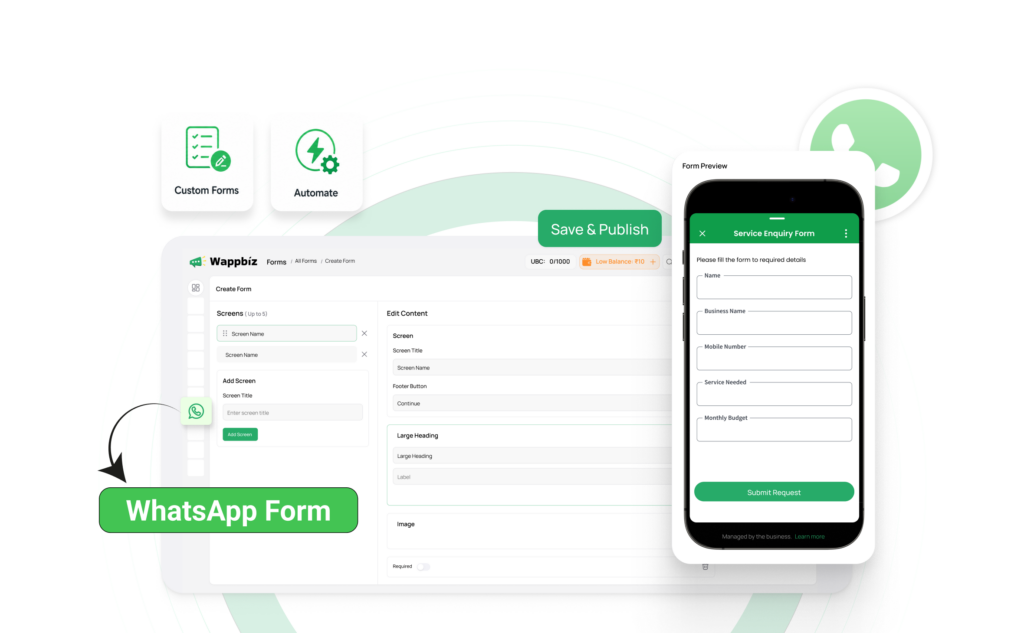
What Is a WhatsApp Form?
A WhatsApp Form is a structured form experience that helps businesses collect information like contact details, service needs, booking preferences, or order data before or during a WhatsApp conversation. It is commonly used for lead capture, registrations, enquiries, surveys, and support requests.
- Create customized forms for different business needs
- Collect information without external redirects
- Qualify leads before agent involvement
- Automate data collection within workflows
WhatsApp Forms for Smarter Lead Capture
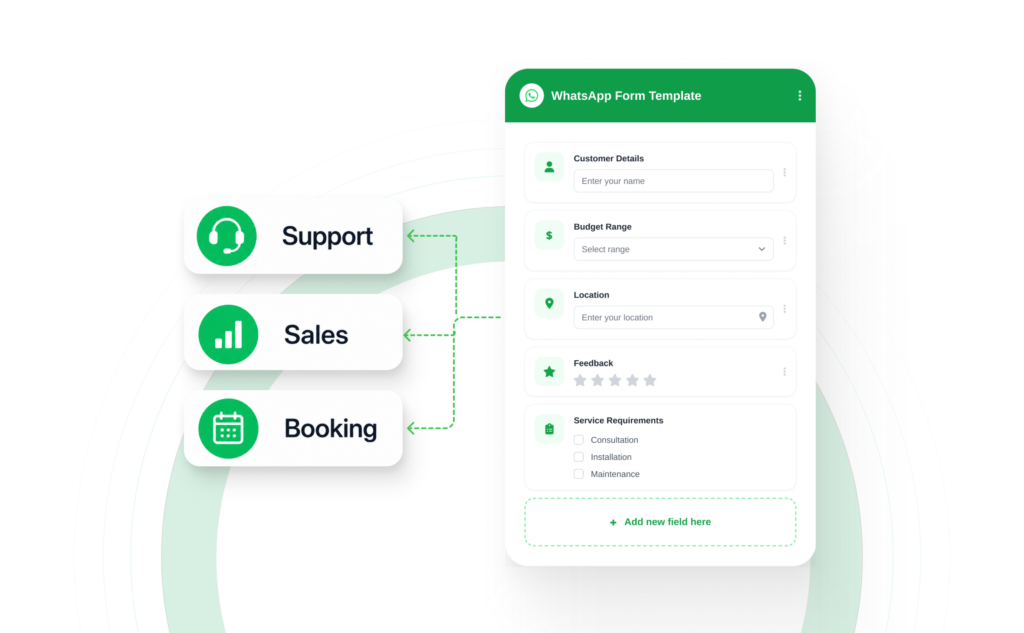
Create Custom Forms for Every Business Need
- Collect customer details, preferences, budgets, locations and feedback
- Customize questions based on your sales, support, or booking process
- Build structured WhatsApp Forms without relying on external platforms
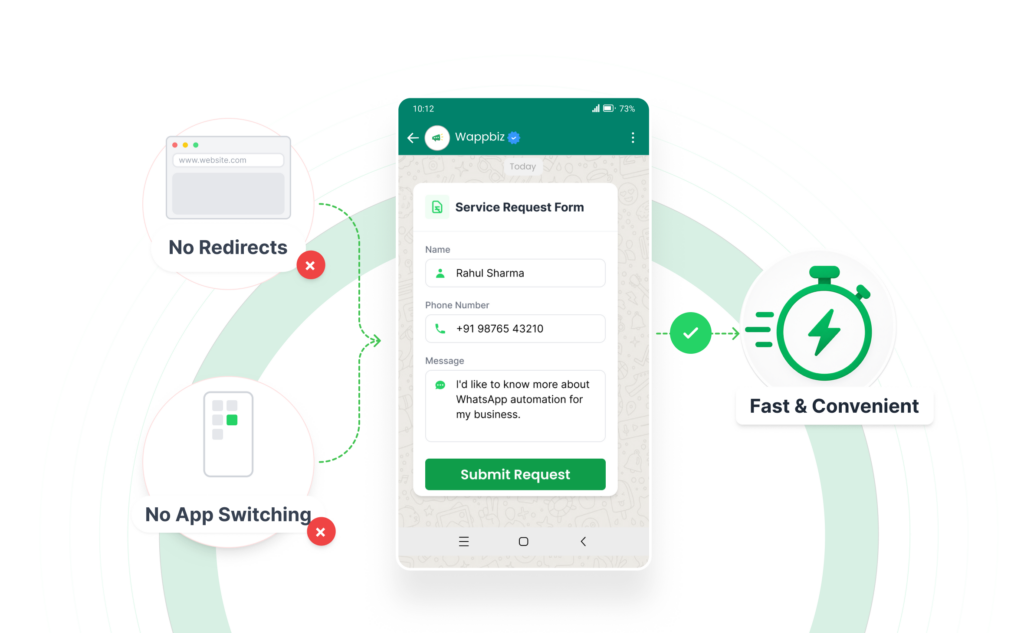
Collect Customer Details Inside WhatsApp
- Let customers submit information without leaving the WhatsApp
- Eliminate redirects to websites, external forms, or additional app
- Create a faster and more convenient form-filling experience
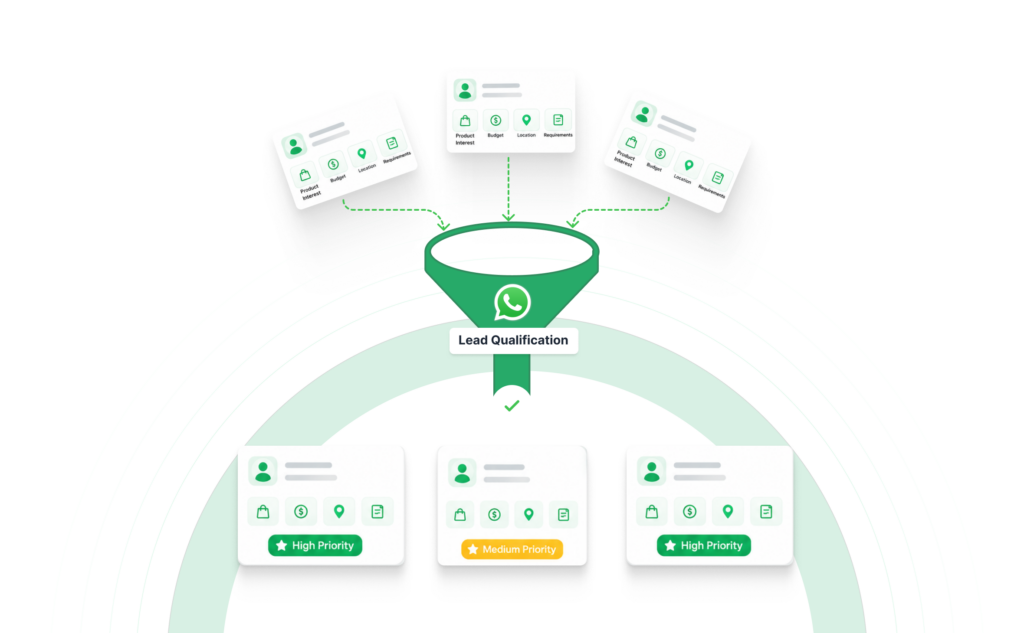
Qualify Leads Before Agent Involvement
- Capture product interest, budget, location, and requirements upfront
- Give sales teams the context they need before engaging customers.
- Prioritize high-quality leads and respond with greater relevance
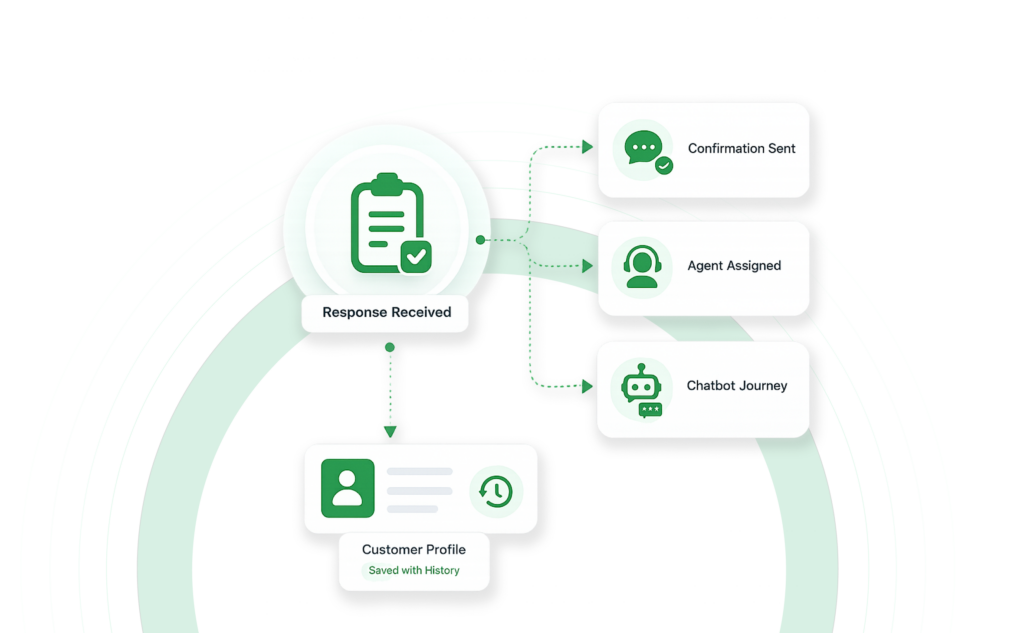
Automate Follow-Ups From Form Responses
- Trigger confirmations, agent assignments and chatbot journeys
- Store responses with customer profiles and conversation history
- Reduce repetitive questions and help teams take action faster
Why Businesses Need WhatsApp Forms
| Without a Form | With a WhatsApp Form |
|---|---|
| Leads arrive with incomplete details. | Every enquiry includes structured information upfront. |
| Teams ask the same qualification questions repeatedly. | Required fields and logic collect the right answers automatically. |
| Bookings and requests are hard to standardize. | Booking, support, and enquiry flows follow one clean format. |
| Manual follow-up slows down response time. | Automation can trigger instant replies or route submissions. |
| Data sits inside chats and is hard to report on. | Responses can be synced, exported, and analyzed. |
| Campaign leads vary in quality. | Better qualification improves sales and support efficiency. |
Upgrade to a Smarter WhatsApp Team Inbox
Manage all customer conversations from one shared inbox, respond faster, and ensure no lead is ever missed.
How It Works – 4 Simple Steps
Easily create, publish, and manage WhatsApp Forms in four simple steps:
Build Your Form
Create your form using a drag-and-drop builder, start from scratch, or choose a ready-made template.
Add Fields and Logic
Add text fields, dropdowns, date pickers, ratings, file uploads, required fields, validation rules, and conditional paths.
Share and Automate
Share the form through a link, embed it on a website, or trigger it through WhatsApp campaigns and chatbot journeys.
Track and Take Action
Store responses in WappBiz, track lead sources, route submissions to the right team or CRM, and improve lead quality.
Use WhatsApp Forms for Every High-Intent Conversation
Lead Capture
Collect customer details, product interests, requirements, and contact information directly through WhatsApp.
Demo & Site Visit Bookings
Let prospects select preferred dates, time slots, locations, and services without lengthy back-and-forth conversations.
Lead Qualification
Capture budget, location, urgency, and business needs before assigning the lead to the right sales agent.
Order Requests
Collect product selections, quantities, delivery details, and custom order requirements in a structured format.
Customer Support Intake
Gather issue type, order details, priority, screenshots, and supporting information before an agent joins the conversation.
Feedback & Surveys
Create quick feedback forms, satisfaction surveys, ratings, and customer experience questionnaires inside WhatsApp.
How Different Industries Benefit from Wappbiz’s Shared Team Inbox
No matter your industry, Wappbiz’s Shared Team Inbox helps streamline communication, improve response times, and enhance customer engagement
E-commerce & Retail
Manage customer inquiries, process orders, and handle returns seamlessly.
Travel & Hospitality
Book trips, provide instant support, and send automated travel updates.
Healthcare & Wellness
Schedule appointments, send reminders, and answer patient queries efficiently.
Education & E-learning
Handle student admissions, class reminders, and course inquiries from a single inbox.
Professional Services
Respond to client queries, manage appointments, and enhance customer engagement.
Real Estate & Property
Engage leads, schedule property visits, and provide instant updates.
Banking & Financial
Offer instant customer support, process loan inquiries, and handle transactions securely.
Automotive & Dealerships
Handle inquiries, schedule test drives, and provide after-sales support.
Seamless Integrations for Enhanced Efficiency
Seamlessly integrate with your preferred apps to streamline workflows and ensure business continuity. With Wappbiz, simplify your processes and enhance efficiency across every aspect of your business, enabling smooth communication and data flow between all your essential tools.













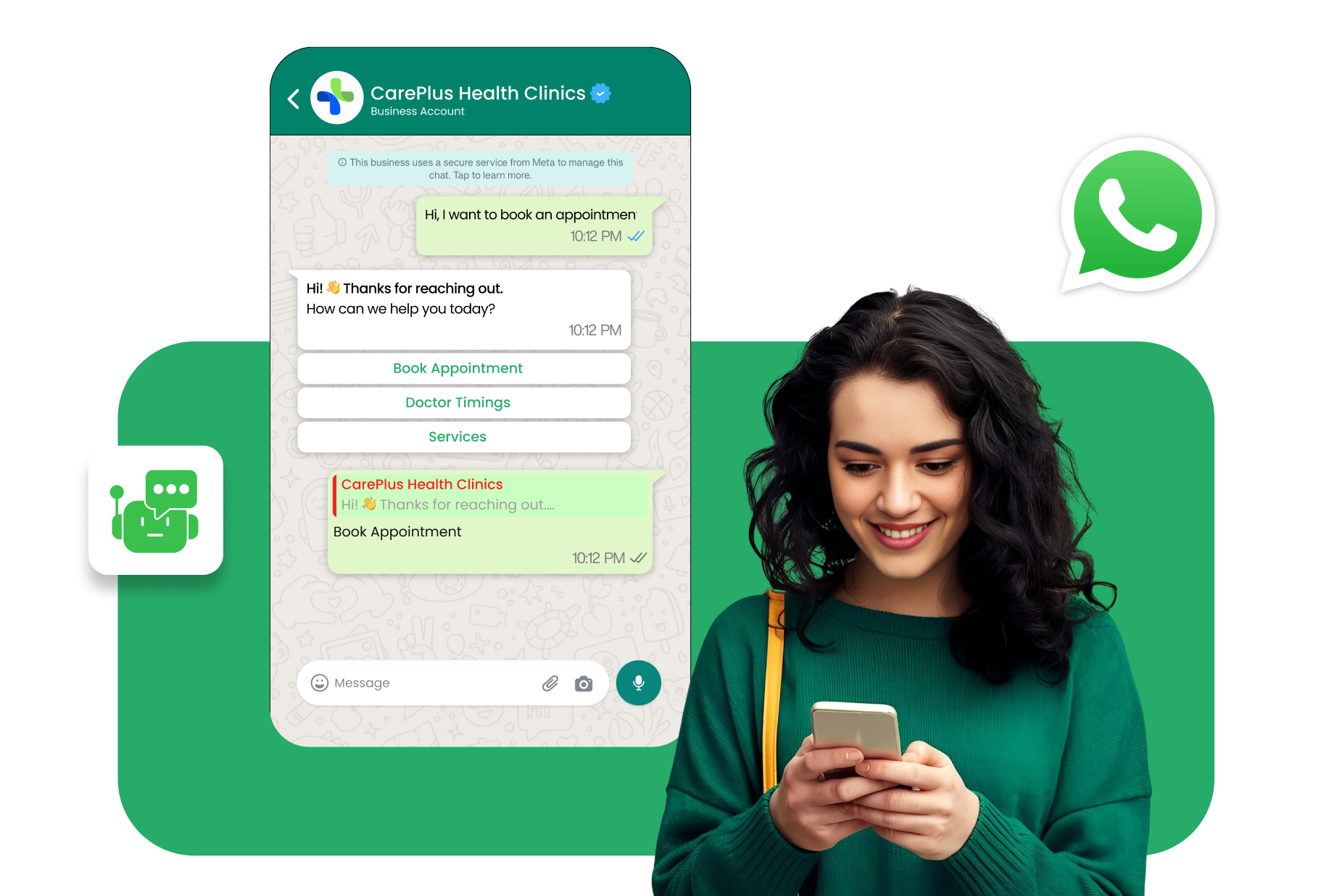
Frequently Asked Questions
A WhatsApp Form is a customizable form that collects structured customer information directly within a WhatsApp conversation.
Unlike regular contact forms, WhatsApp Forms keep customers inside WhatsApp without redirecting them to an external website or app.
Yes, WhatsApp Forms can capture and qualify leads by collecting customer details, requirements, budgets, and preferences.
Yes, businesses can use WhatsApp Forms to collect appointment dates, time preferences, service details, and booking requests.
You can add fields for names, contact details, product interests, budgets, locations, preferences, feedback, and custom questions.
Availability may depend on the form configuration, but advanced forms can support file uploads and conditional questions based on customer responses.
Yes, submitted responses can trigger automated confirmations, lead assignments, follow-ups, chatbot journeys, or CRM updates.
Yes, WhatsApp Forms can support property enquiries, appointment requests, product enquiries, order details, customer qualification, and service requests across these industries.