





























Sell Smarter and Faster with a WhatsApp Catalog

Turn WhatsApp into a powerful product catalog where customers can browse your offerings, explore product details and purchase directly. Improve customer experience, respond faster, reduce drop-offs, and convert more enquiries into sales with the power of WhatsApp Business API.

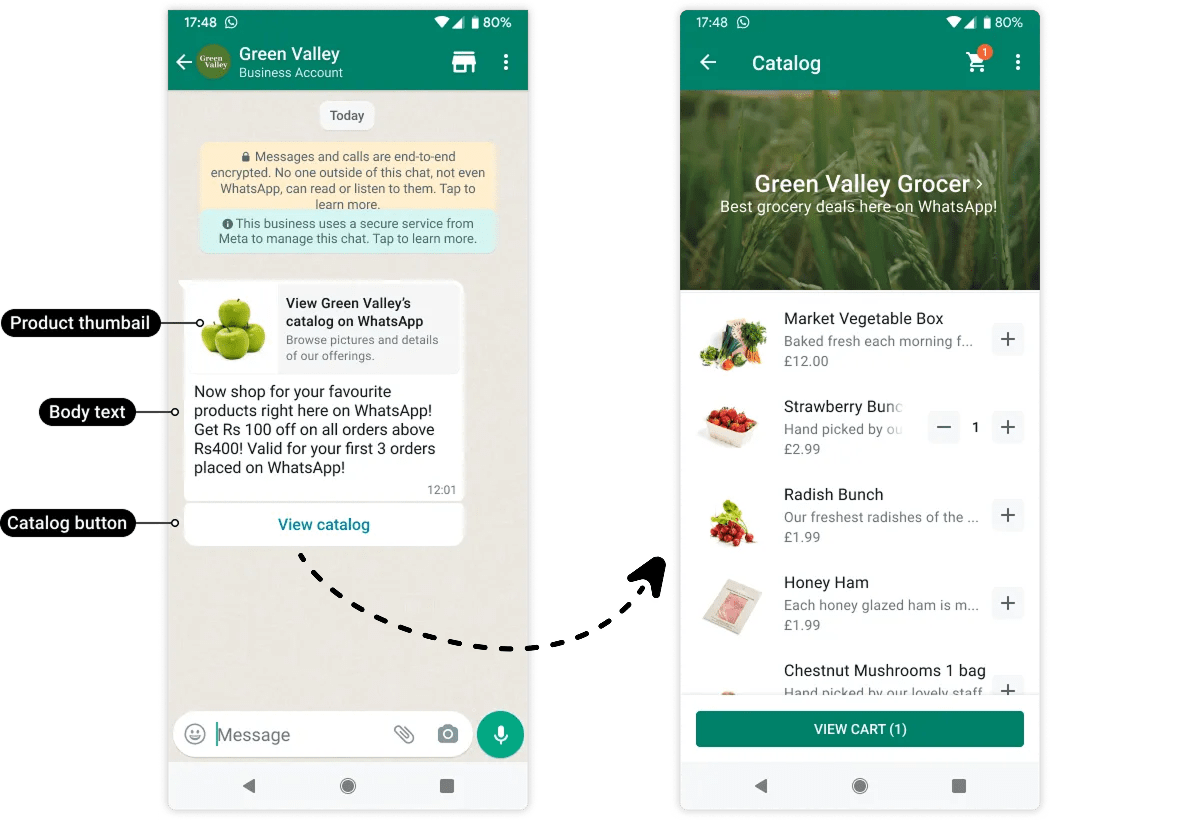
Side-by-side mobile screenshots showing a WhatsApp Business chat with a ‘View catalog’ button and a grocery catalog screen listing products with prices and add-to-cart options.

Join over 500+ customers worldwide who trust Wappbiz!

Image gallery marquee

What is WhatsApp Catalog?

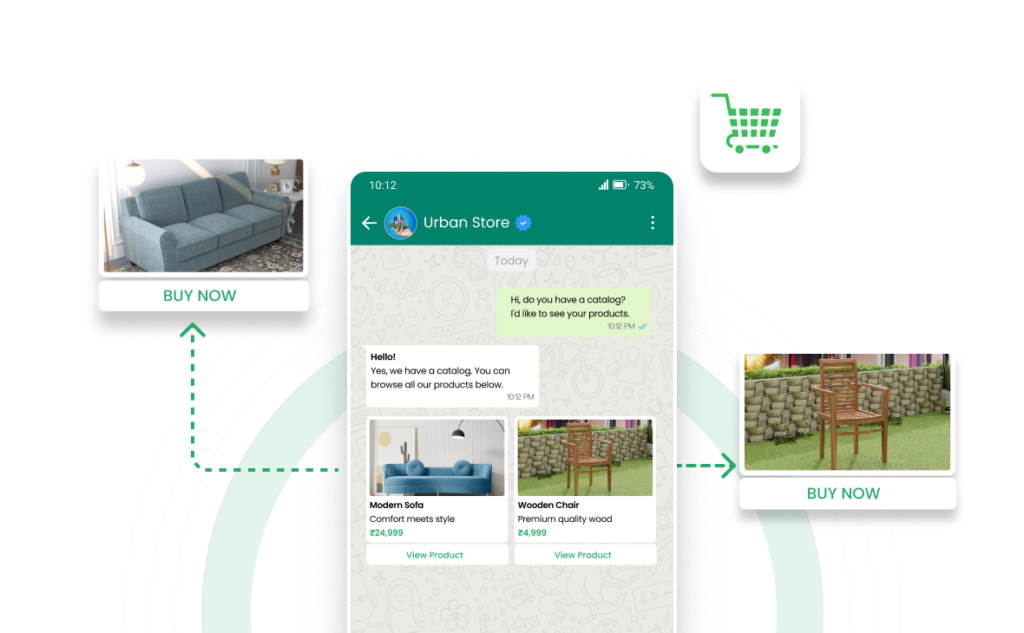
WhatsApp Catalog is a built-in feature that lets businesses showcase their products or services directly on WhatsApp. It allows customers to browse items, view details, enquire instantly and purchase directly without leaving the chat.

What You Can Do with WhatsApp Catalog

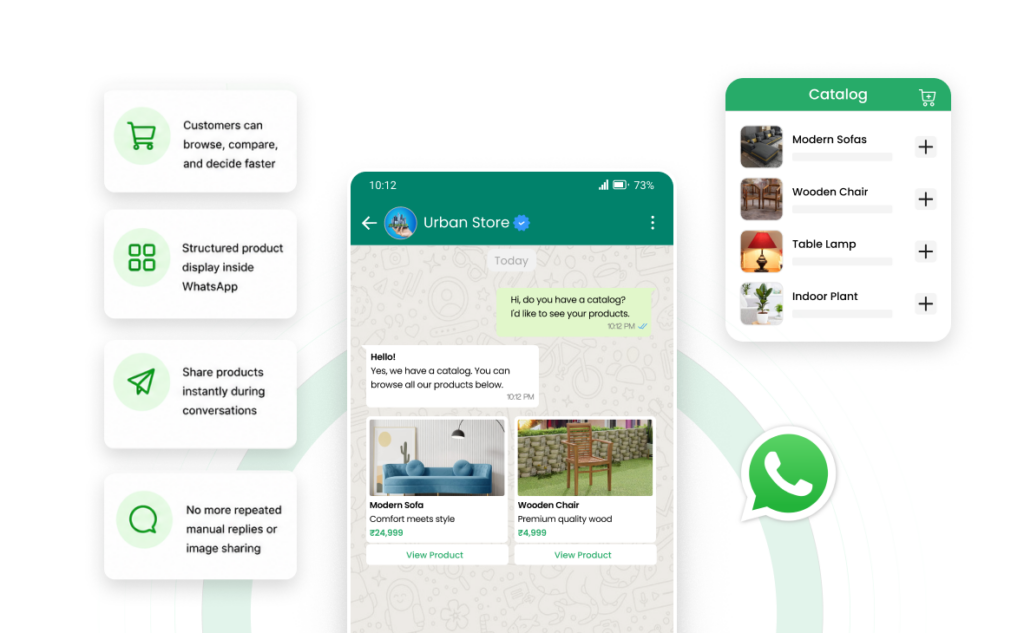
Showcase and Sell with WhatsApp Catalog

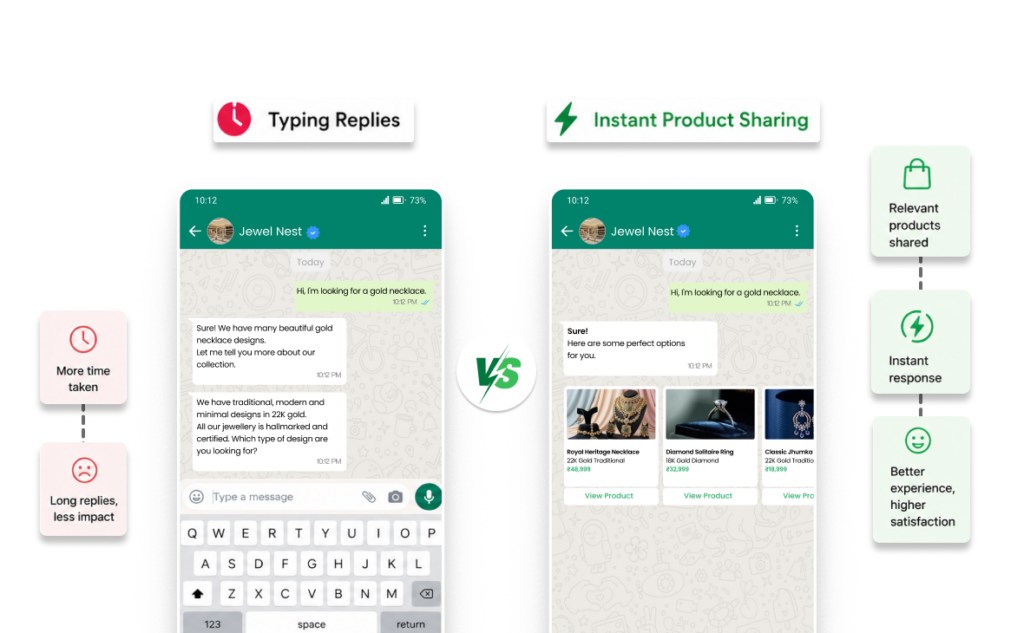
Respond Smarter to Customer Conversations

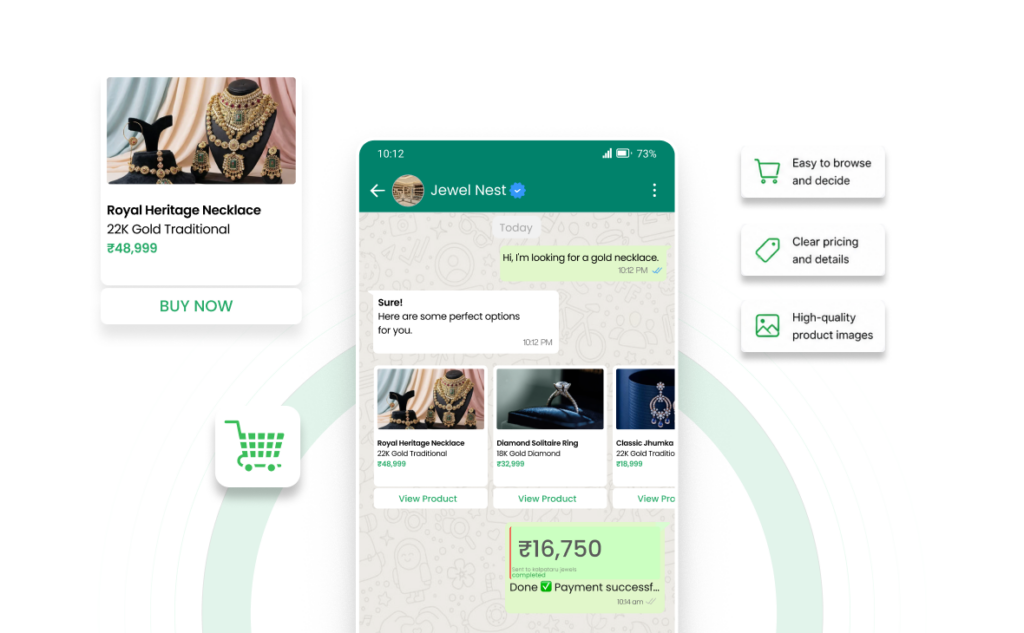
Increase Buying Intent Without Pushing Hard

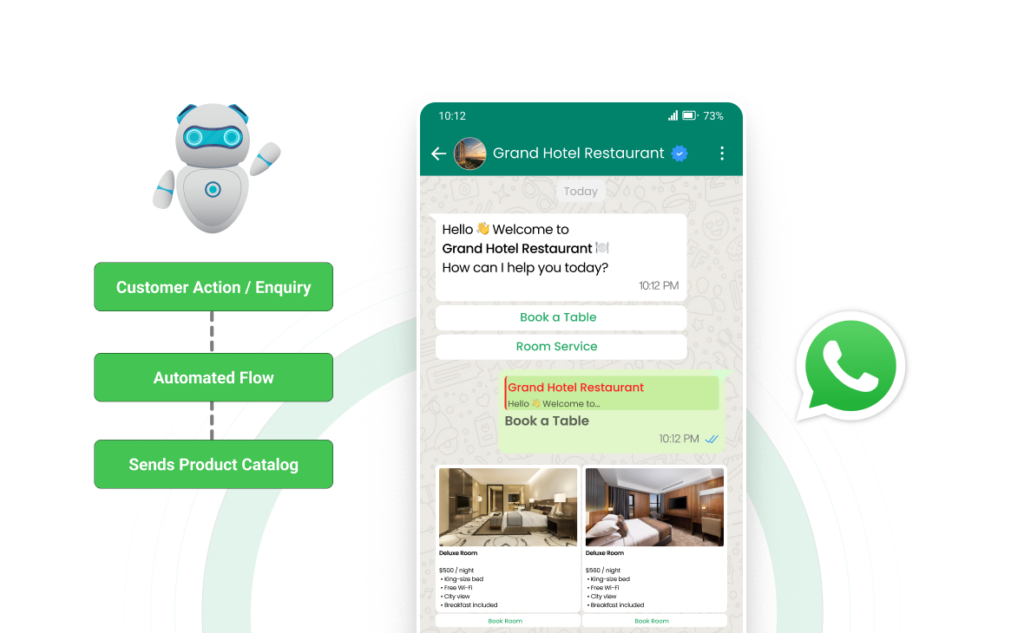
Automate Product Discovery with Wappbiz

WhatsApp Business App vs Wappbiz Catalog Experience

Feature WhatsApp Business App Wappbiz (API + Automation)
Catalog display Basic Advanced + interactive
Product sharing Manual Automated
Team usage Single user Multi-agent
Follow-ups Manual Automated workflows
Personalization Limited Behavior-based

How Wappbiz Makes Your Catalog Smarter

Not Just a Catalog but a Sales Engine

Wappbiz transforms your WhatsApp catalog into a structured conversion system that helps you engage customers better and drive more sales, automatically.

WhatsApp Catalog Integration

Quickly connect your catalog to your WhatsApp Business account with minimal setup. Share products instantly and let customers enquire or order in one tap.

Drip Campaigns

Automatically send product reminders, follow-ups, and offers to keep customers engaged without manual effort.

Customer Segmentation

Show the right products to the right audience by targeting customers based on their behavior, interest, or stage in the buying journey.

AI Chatbot Integration

Recommend the right products instantly based on customer queries, ensuring every conversation stays relevant and conversion-focused.

Campaign Analytics

Track which products get clicks, engagement, and conversions so you can optimize what you showcase and improve results over time.

Turn Your WhatsApp into a High-Converting Product Catalog

Showcase your products instantly, simplify customer decisions, and turn everyday conversations into consistent sales, without manual effort and effortlessly.

How Different Industries Benefit from WhatsApp Catalogs

WhatsApp Catalogs help businesses across industries streamline sales, enhance customer engagement, and boost conversions—all within WhatsApp. Whether you’re in e-commerce, food delivery, real estate, or healthcare, you can showcase products, automate orders, and drive revenue effortlessly.

Real Estate & Property

Showcase listings, schedule visits, and answer queries via WhatsApp chat.

Events & Entertainment

Sell tickets, memberships, and exclusive content with instant WhatsApp checkout.

E-commerce & Retail

Showcase products, automate orders, and drive 7x higher conversions with direct WhatsApp shopping.

Food & Beverage

Let customers browse menus, place orders, and make payments seamlessly within WhatsApp.

Travel & Hospitality

Allow users to book hotels, tours, and experiences with instant confirmations.

Healthcare & Wellness

Share medical products, appointment slots, and health packages for easy booking.

Education & E-learning

Promote courses, webinars, and learning materials, enabling students to enroll instantly.

Automotive & Dealerships

Display vehicles, financing plans, and service packages while engaging leads directly.

Seamless Integrations for Enhanced Efficiency

Seamlessly integrate with your preferred apps to streamline workflows and ensure business continuity. With Wappbiz, simplify your processes and enhance efficiency across every aspect of your business, enabling smooth communication and data flow between all your essential tools.

Image gallery marquee
WhatsApp Catalog FAQ

Frequently Asked Questions

Go to WhatsApp Business app > More options (three dots) > Business tools > Catalog > Add new item to add a catalog.

You can create a catalog in WhatsApp Business by uploading product images, names, prices, and descriptions through the Catalog feature under Business Tools.

Share your catalog or individual products directly in chats or via a link to showcase and promote your offerings.

A catalog on WhatsApp is a digital storefront within the app where businesses can display and share their products or services.

WhatsApp Catalog is available for free, but advanced features like automation and analytics may require a WhatsApp Business API integration.

To view a WhatsApp catalog, open the business’s chat, tap their name at the top, and then tap “Catalog.”