
Many businesses today use WhatsApp to communicate with customers, but customer conversations often remain disconnected from their CRM systems. Leads come from Meta ads, websites, landing pages, referrals, and campaigns, yet follow-ups are still managed manually through spreadsheets, personal numbers, or scattered tools. As enquiry volumes increase, this creates delayed responses, inconsistent communication, and lost sales opportunities.
CRM integration with WhatsApp Business helps businesses centralize customer conversations, automate follow-ups, and create structured sales workflows. Instead of relying on manual coordination between teams, businesses can connect customer communication directly with their CRM to manage leads, track conversations, and improve response consistency from one system.
Why Businesses Need CRM and WhatsApp Integration
Customer expectations have changed significantly over the last few years. Buyers now expect quick responses, personalized communication, and faster follow-ups — especially after submitting an enquiry or clicking on an ad.
At the same time, businesses struggle with operational issues such as:
- Leads getting missed during follow-ups
- Multiple agents contacting the same customer
- No centralized conversation visibility
- Delayed response times
- Poor tracking of lead stages
- Difficulty managing growing enquiry volumes
The standard WhatsApp Business App is useful for basic communication, but it is not designed for structured sales operations or automation at scale. The WhatsApp Business API allows businesses to integrate WhatsApp with CRM systems, automation workflows, and multi-agent communication platforms. This integration creates a more organized and scalable sales process.
What CRM Integration with WhatsApp Business Means
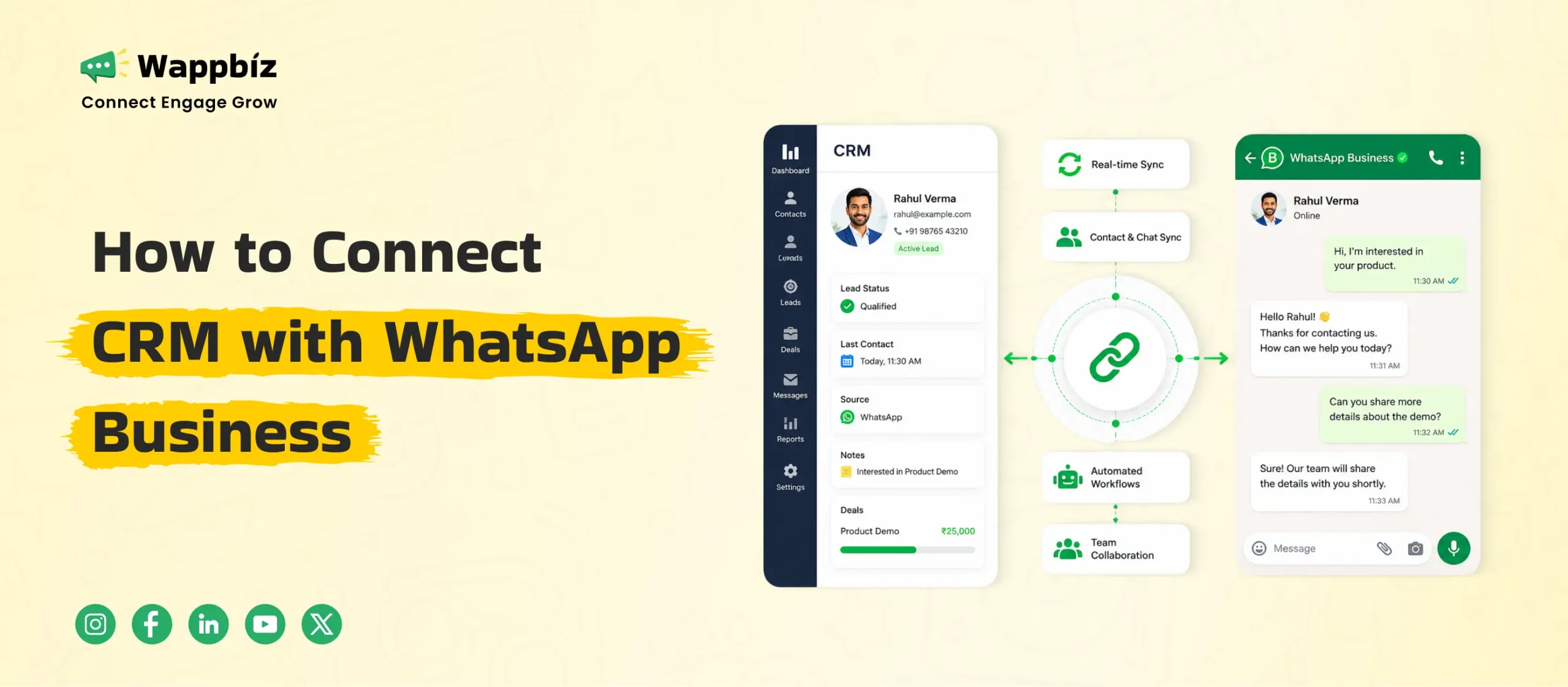
CRM integration with WhatsApp Business connects customer communication with business workflows and lead management systems. Instead of handling conversations separately from customer records, businesses can synchronize:
- Lead information
- Conversation history
- Follow-up status
- Customer stages
- Team assignments
- Automation workflows
For example:
A customer submits a lead form→ the CRM captures the enquiry → WhatsApp automatically sends a response → the lead gets assigned to the sales team→ follow-up reminders are scheduled automatically.
Without integration, these activities usually depend on manual coordination.
How to Integrate CRM with WhatsApp Business
Step 1: Get Access to WhatsApp Business API
CRM integration requires the WhatsApp Business API because the standard WhatsApp Business App does not support advanced automation or CRM connectivity.
The API enables:
- Multi-agent communication
- Automation workflows
- CRM integration
- Campaign management
- Shared team inboxes
Businesses usually access the API through platforms like Wappbiz, which provide the software layer required to manage structured communication workflows.
Step 2: Connect Your CRM System
The next step is integrating your CRM with the WhatsApp platform. Businesses typically synchronize:
- Customer records
- Lead stages
- Conversation history
- Team assignments
- Workflow triggers
Popular CRM systems often include:
- HubSpot
- Zoho CRM
- Salesforce
- Pipedrive
- Custom ERP systems
The integration setup depends on the business workflow and operational requirements.
Step 3: Define Communication Workflows
Before automation begins, businesses should map the customer journey clearly.
Common workflows include:
Lead Capture Workflow
- Instant response after enquiry
- Lead qualification questions
- Brochure or catalog sharing
- Sales assignment
Follow-Up Workflow
- Appointment reminders
- Re-engagement sequences
- Site visit confirmations
- Reminder scheduling
Sales Pipeline Workflow
- Stage-based messaging
- Payment reminders
- Customer support escalation
- Status updates
Structured workflows improve consistency throughout the customer journey.
Step 4: Configure WhatsApp Templates
WhatsApp requires approved templates for outbound communication outside the 24-hour customer service window.
Templates are commonly used for:
- Follow-up communication
- Appointment reminders
- Promotional campaigns
- Order updates
- Payment notifications
Using approved templates helps businesses maintain compliance while scaling communication.
Benefits of Integrating CRM with WhatsApp Business
Faster Lead Response Time
Response speed directly affects conversion rates. When leads are captured manually, delays are common. CRM and WhatsApp integration helps businesses automate the initial response process and reduce waiting time. This includes:
- Instant auto-replies
- Automated lead assignment
- Real-time sales notifications
- Trigger-based follow-ups
Businesses running Click-to-WhatsApp campaigns especially benefit from faster engagement.
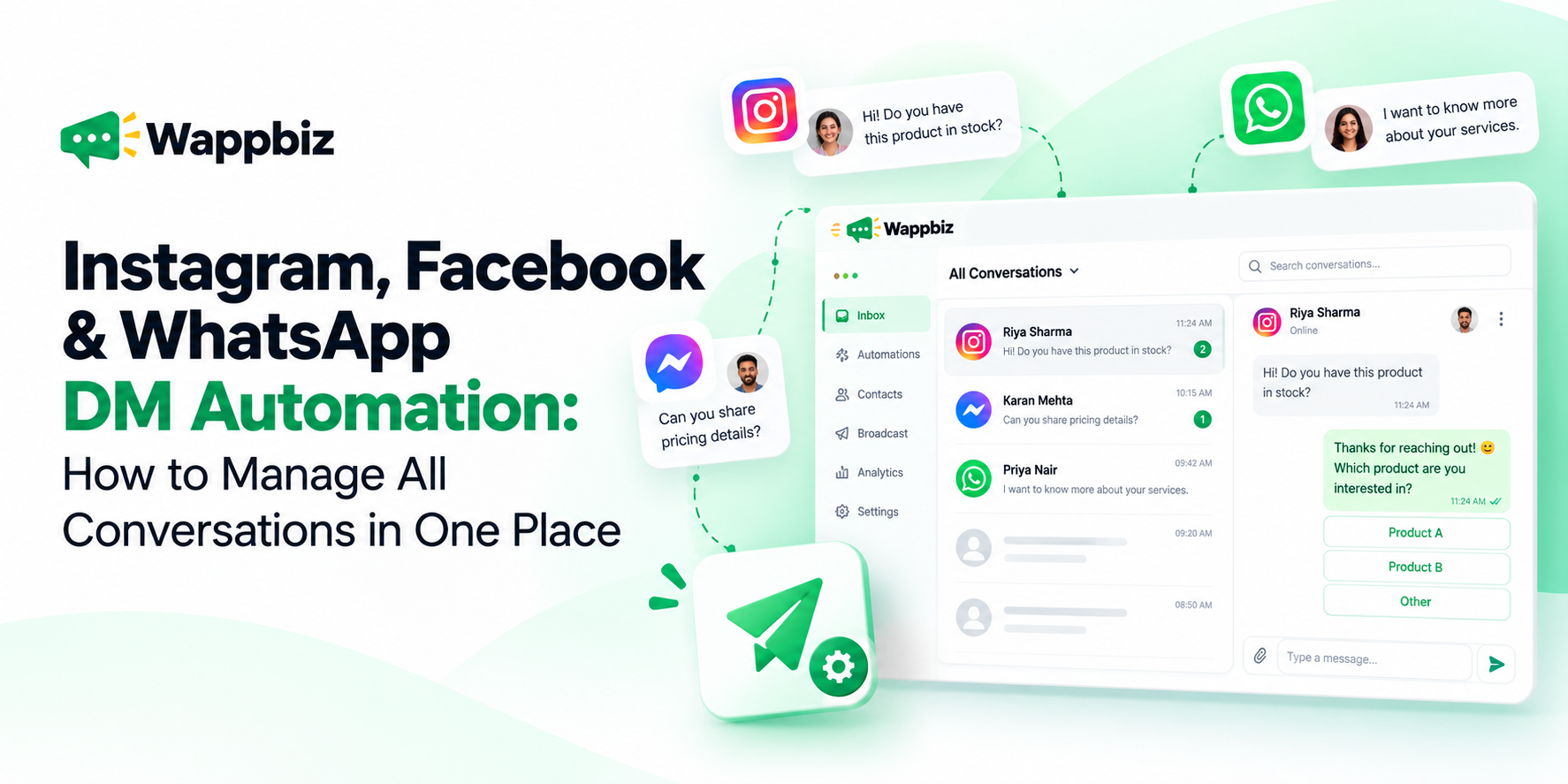
Centralized Customer Communication
Many businesses still manage WhatsApp conversations through personal devices or multiple numbers. This creates problems like:
- Fragmented communication
- Lost conversation history
- Inconsistent responses
- Limited team visibility
A centralized WhatsApp CRM workflow allows businesses to manage conversations from one platform while maintaining complete customer visibility.
Automated Follow-Up Workflows
Manual follow-ups are difficult to manage consistently as communication volume grows. Businesses can automate workflows such as:
- Appointment reminders
- Site visit confirmations
- Payment reminders
- Re-engagement campaigns
- Customer onboarding
Automation ensures communication happens consistently without depending on individual memory or manual tracking.
Better Lead Qualification
CRM-integrated WhatsApp workflows help businesses collect structured customer information during conversations. Examples include:
- Budget range
- Product interest
- Preferred location
- Purchase timeline
- Customer type
This allows sales teams to prioritize high-intent leads more efficiently.
Improved Team Coordination
When multiple agents handle customer conversations manually, coordination becomes difficult. CRM and WhatsApp integration helps businesses:
- Assign conversations to specific agents
- Track ownership
- Monitor lead progress
- Escalate conversations when required
- Maintain visibility across departments
This improves accountability and operational consistency.
Industry Use Cases for CRM and WhatsApp Integration
Real Estate
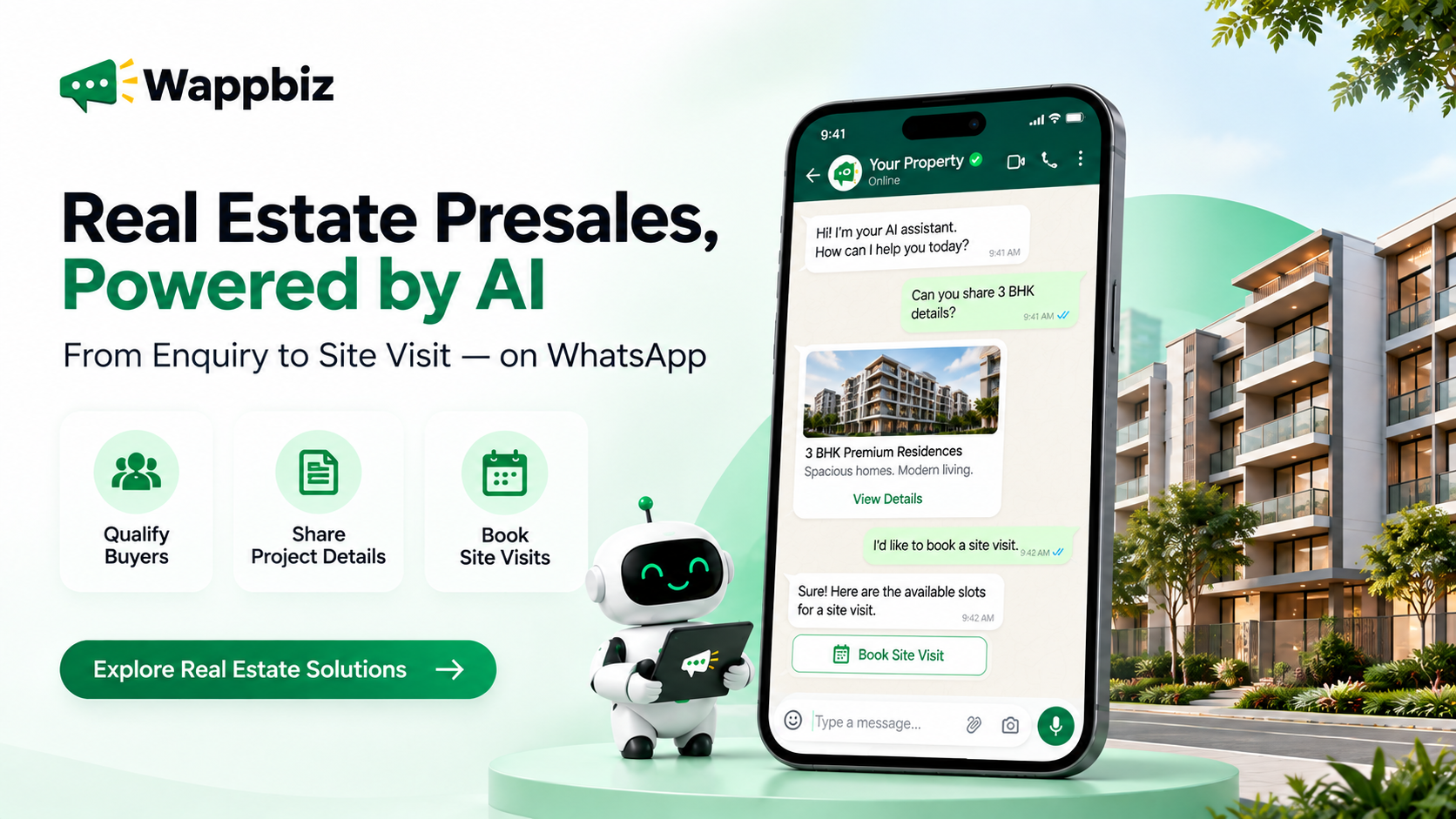
Real estate businesses often handle large enquiry volumes and long sales cycles. CRM-integrated WhatsApp workflows help automate:
- Lead qualification
- Site visit scheduling
- Buyer segmentation
- Follow-up nurturing
- Construction updates
Structured workflows reduce lead leakage and improve sales coordination.
Healthcare
Healthcare businesses use WhatsApp workflows for:
- Appointment reminders
- Follow-up consultations
- Report sharing
- Patient communication
Automation improves communication consistency and reduces missed appointments.
Ecommerce and D2C
Ecommerce brands use CRM-integrated WhatsApp systems for:
- Order confirmations
- Shipping updates
- Cart recovery
- Repeat purchase reminders
- Customer support
This helps improve retention and customer engagement.
Education
Educational institutions use WhatsApp CRM workflows to manage:
- Student enquiries
- Admission follow-ups
- Webinar reminders
- Course updates
Structured communication improves enquiry handling and response efficiency.
Common Mistakes Businesses Should Avoid
Managing Communication Through Personal Numbers
Using personal WhatsApp numbers creates fragmented communication and operational dependency. Businesses handling growing enquiry volumes need centralized communication systems.
Automating Without Customer Journey Planning
Automation works best when communication follows a structured customer journey. Businesses should first define:
- Lead stages
- Trigger events
- Escalation rules
- Follow-up logic
before implementing automation workflows.
Sending Generic Broadcast Campaigns
Mass communication without segmentation often reduces engagement quality. CRM integration allows businesses to personalize communication based on:
- Customer behavior
- Purchase stage
- Interest category
- Lifecycle stage
Ignoring Team Visibility
Without centralized communication tracking, businesses struggle with accountability and coordination. Shared inbox systems improve visibility across teams and departments.
How Wappbiz Helps Businesses Integrate CRM with WhatsApp
Wappbiz helps businesses connect WhatsApp Business API with CRM systems and operational workflows to create more structured sales communication processes. The platform supports:
- CRM integrations
- Shared team inbox
- AI chatbot automation
- Drip campaigns
- Customer segmentation
- Campaign management
- Workflow automation
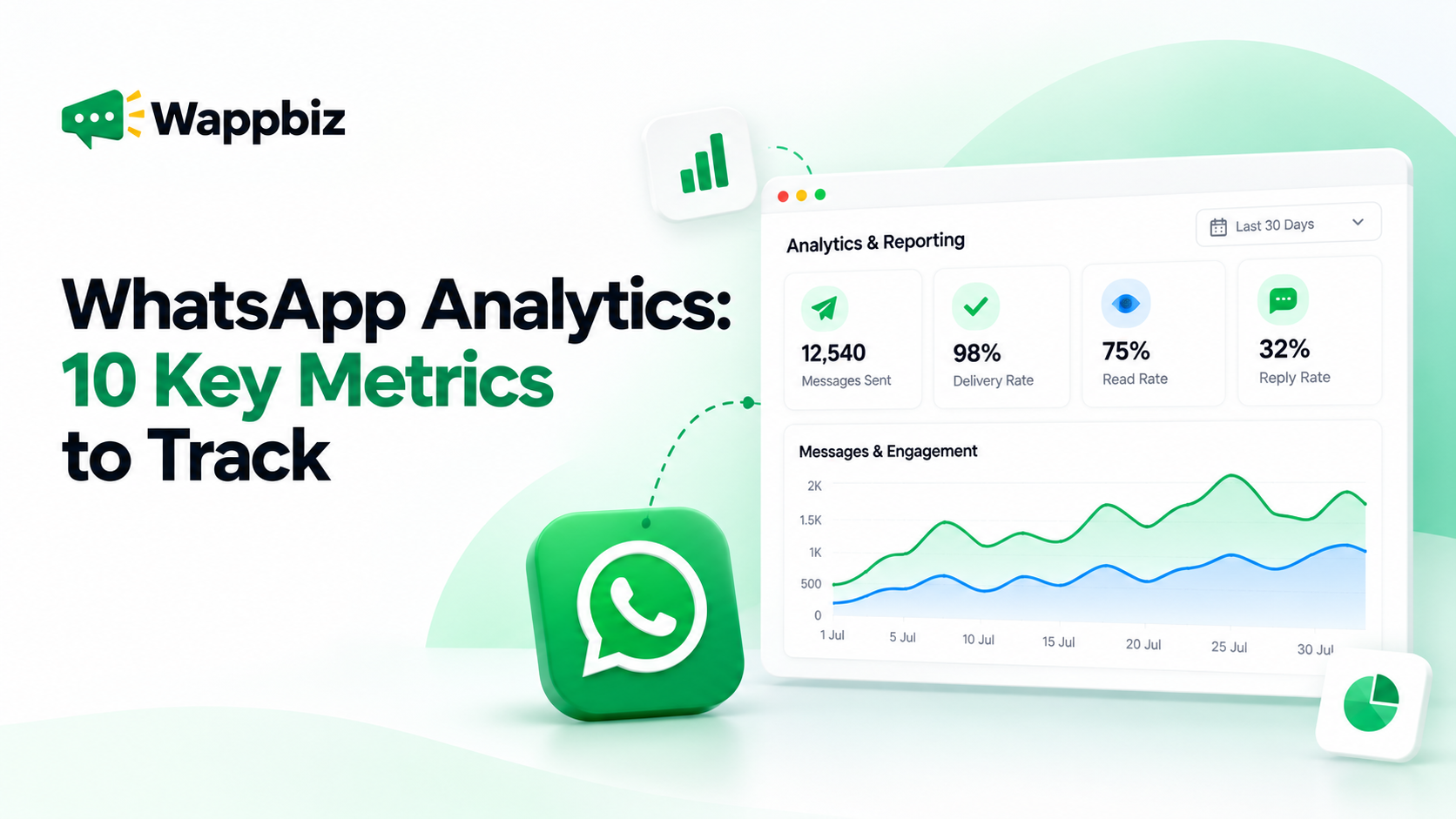
- Analytics and reporting
Instead of managing customer communication manually across disconnected systems, businesses can centralize conversations, automate follow-ups, and improve response management through structured WhatsApp workflows.
Conclusion
CRM integration with WhatsApp Business helps businesses move from fragmented communication to more structured and scalable sales workflows. By connecting customer conversations directly with CRM systems, businesses can automate follow-ups, improve lead tracking, reduce response delays, and maintain better visibility across the sales journey.
As customer communication increasingly shifts toward WhatsApp, businesses need systems that can manage conversations efficiently without increasing manual workload. Structured workflows, centralized communication, and automation are becoming essential for businesses handling growing enquiry volumes and customer interactions.
Platforms like Wappbiz help businesses simplify this transition by connecting WhatsApp Business API with CRM systems, automation workflows, and multi-agent communication environments — making it easier to manage customer engagement, sales follow-ups, and operational communication from one centralized platform.