
Whether you run a grocery store, a boutique clothing store, a coaching institute, or a home-based food business, your customers are already on WhatsApp. The question is: are you using it strategically to grow sales, or just answering messages reactively?
This guide walks you through exactly how to set up WhatsApp for sales from creating a professional profile to running broadcast campaigns, automating replies, and closing deals with practical steps built specifically for the market.
WhatsApp Business is free to download and set up. The strategies in this guide work even without paid tools.
What You Will Learn
- Why WhatsApp is the #1 sales tool for small businesses
- How to set up WhatsApp Business the right way
- 7 proven strategies to increase sales using WhatsApp
- How to use Catalogs, Broadcasts, and Automation
- Common mistakes to avoid
- Next steps to scale
1. Why WhatsApp Works for Sales in (And Why Most Businesses Use It Wrong)
Most small business owners use WhatsApp the same way they use SMS to reply when a customer asks something. That is reactive selling. The businesses growing fast are using WhatsApp proactively: sharing offers, following up on leads, building trust, and closing sales, all inside a single chat thread.
Here is why WhatsApp outperforms every other channel forSMBs:
| Channel | Why WhatsApp Wins |
| vs Email | Open rate is 98% on WhatsApp vs 20-25% for email |
| vs Instagram/Facebook | Direct 1:1 conversation, no algorithm blocking reach |
| vs Phone calls | Customers respond when convenient, less friction |
| vs Website forms | Faster trust, familiar platform, vernacular language support |
The key insight: WhatsApp is not a broadcast tool. It is a relationship tool. The businesses winning on it treat every conversation like a shopkeeper treats a walk-in customer personal, helpful, and trust-first.
2. Set Up WhatsApp Business Properly Before Anything Else
If you are using a personal WhatsApp number for business, stop. Download the free WhatsApp Business app and migrate your number or use a dedicated business number.
Step-by-step setup checklist:
- Business name and category: Use your actual trading name. Choose the category closest to your business type.
- Profile photo: Use your logo or a clean product photo. Not a personal photo.
- Business description: Write 2-3 lines about what you sell and who you serve. Include your city.
- Business hours: Set accurate hours so customers know when to expect a reply.
- Address and website: Add these even if your website is just a Google My Business page.
- Short link: Your WhatsApp link (wa.me/91XXXXXXXXXX) goes on every touchpoint Instagram bio, visiting card, invoices, packaging.
Pro Tip: Set a greeting message that fires automatically when someone messages you for the first time. Example: ‘Hi! Welcome to [Business Name]. How can we help you today? You can browse our latest collection here: [catalog link]’
3. Build Your Product Catalog on WhatsApp
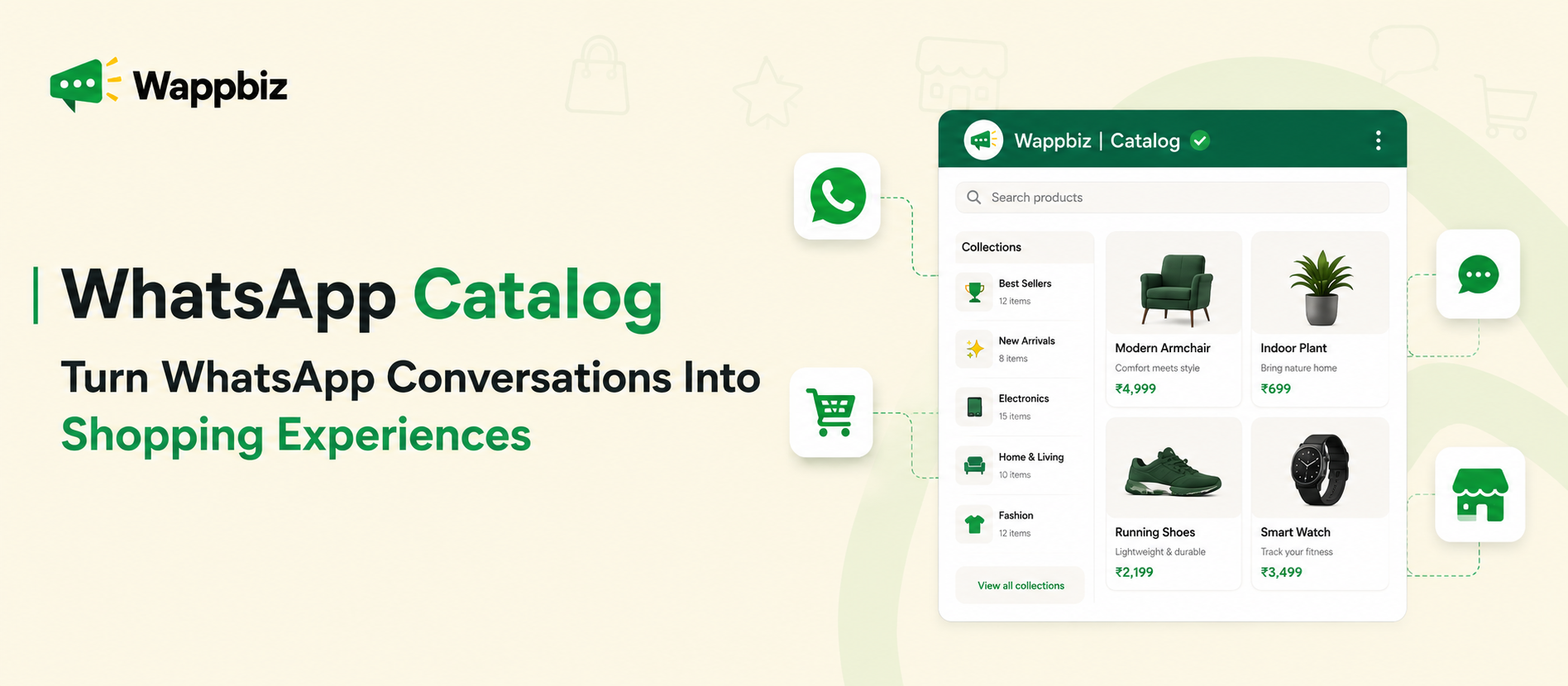
The WhatsApp Business Catalog is your free digital storefront. Customers can browse products directly inside the chat without being sent to another link or website.
How to set it up:
- Go to Business Tools > Catalog in your WhatsApp Business app
- Add each product with a photo, name, price, and description
- Group products into Collections (e.g., Summer Collection, Best Sellers, Under ₹500)
- Once active, share the catalog link in your greeting message and broadcasts
Keep product descriptions specific. Instead of ‘Cotton kurti’, write ‘Handloom cotton kurti, available in M/L/XL, ships within 2 days.’ Specific descriptions reduce back-and-forth questions and speed up buying decisions.
Businesses that add at least 10 products to their catalog see 3x more product-related conversations than those who only share product photos manually.
4. Use Labels to Organise Your Sales Pipeline
WhatsApp Business has a Labels feature coloured tags you assign to chats. Most businesses ignore this. Use it to run a simple sales pipeline without any CRM.
| Label | When to Apply It |
| New Lead | First message from a new contact |
| Interested | Customer asked about price or product details |
| Order Placed | Payment received or order confirmed |
| Follow-Up Needed | Customer went quiet needs a nudge |
| Repeat Customer | Bought before prioritise for loyalty offers |
Review your ‘Follow-Up Needed’ and ‘Interested’ labels every morning. These are your warm leads. A simple message like ‘Hi [Name], just checking if you had any questions about the [product] happy to help!’ converts better than cold outreach.
5. Broadcast Lists: How to Send Offers Without Spamming
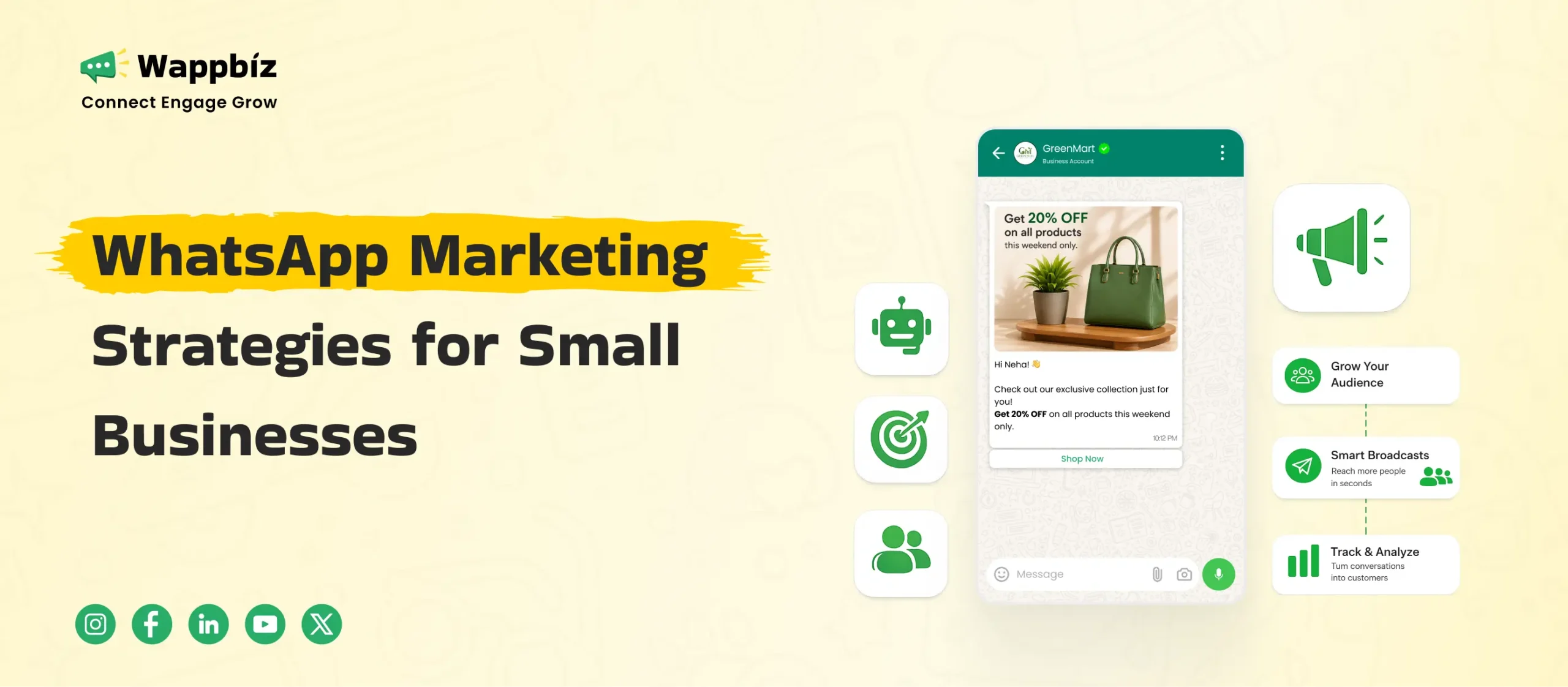
A Broadcast List lets you send a message to up to 256 contacts at once. Each recipient receives it as a personal message not a group message and replies come back to you privately.
Rules for effective broadcasts:
- Only add saved contacts: Broadcast only reaches people who have saved your number. Ask customers to save your number when they first contact you.
- Segment your lists: Create separate lists for new leads, repeat buyers, and location-based groups (e.g., Pune customers, Mumbai customers).
- Limit frequency: One to two broadcasts per week is the maximum. More than that and people mute or block you.
- Lead with value: Every broadcast should offer something useful: a discount, a new arrival, a useful tip. Not just ‘buy from us’.
Broadcast message structure that works:
Opening address them by first name if possible
Value what is in it for them (offer, new stock, useful info)
CTA one clear action (Reply YES, Click here, Call now)
Exit keep it warm and conversational
Example: ‘Hi! 🎉 New arrivals here are handcrafted silver earrings starting ₹349. Limited stock. Reply with your size/preference and we will share photos! [Catalog link]’
6. Set Up Quick Replies and Automated Messages
As your WhatsApp volume grows, you cannot type the same answers 50 times a day. Quick Replies let you save templated responses and send them with a shortcut.
Quick Replies to create first:
- /price Your pricing or catalog link
- /hours Your business hours and location
- /order How to place an order
- /pay Payment options (UPI ID, bank details, payment link)
- /delivery Shipping timelines and charges
- /thanks A warm order confirmation message
Set these up under Business Tools > Quick Replies. Type / in any chat to instantly access them.
Automated messages to activate:
- Greeting message: Auto-sent to first-time contacts. Include your catalog link and business hours.
- Away message: Sent outside business hours. Set expectations ‘We will reply by 10am tomorrow.’
7. Use WhatsApp Status to Generate Daily Visibility
WhatsApp Status (similar to Instagram Stories) is viewed by all your contacts including customers who are not in any broadcast list. It disappears after 24 hours.
What to post on Status:
- New arrivals or restocked products
- Limited-time offers (creates urgency)
- Customer reviews and photos (social proof)
- Behind-the-scenes content (builds trust)
- Daily or weekly specials
Customers who view your Status and reply go straight into a chat conversation, the highest-intent interaction you can get. Treat every Status reply as a warm lead.
Posting Status content 4-5 times per week keeps your business top of mind without any paid advertising spend.
8. Close Sales Faster With Conversational Selling Techniques
WhatsApp is a conversation, not a product page. The way you write messages directly impacts whether a customer buys. Here are techniques that work:
Ask, do not tell:
Instead of: ‘We have cotton kurtis in M, L, XL.’
Try: ‘Which size do you usually wear? I will pick the best fit for you.’
Handle price objections without discounting:
When a customer says ‘Can you reduce the price?’, respond with the value first:
‘This is handwoven by artisans in Jaipur the quality lasts 3-4 years. I can offer free shipping on your first order if that helps.’
Create low-friction next steps:
End every product conversation with a single, easy next step. Do not ask ‘Do you want to buy?’ Ask: ‘Shall I reserve this for you?’ or ‘Want me to send you the payment link?’
Follow up without being pushy:
If a customer goes quiet after showing interest, wait 24 hours then send: ‘Hi [Name], just wanted to check if you had any questions. I am happy to help pick the right option for you.’
9. WhatsApp Pay and Payment Links: Remove Friction at Checkout
The most common point of drop-off in WhatsApp sales is the payment step. Make it as easy as possible.
- Enable WhatsApp Pay if available in your region it allows customers to pay directly in the chat
- Share UPI QR codes as an image in the chat
- Use Razorpay, Cashfree, or PayU to generate payment links paste directly into WhatsApp
- For COD businesses, confirm the order with an address message template and send a delivery update
The faster the payment step, the lower the abandonment. Every additional step (redirecting to a website, filling a form) loses customers.
10. Mistakes That Kill Your WhatsApp Sales (Avoid These)
| Mistake | What to Do Instead |
| Adding people to groups without asking | Use Broadcast Lists they are private and opt-in |
| Sending too many messages | Max 2 broadcasts/week quality over quantity |
| Using only Hindi or only English | Match the language your customer uses in their first message |
| Taking more than 2 hours to reply | Set an Away message and use Quick Replies to respond faster |
| Not asking for referrals | After every order, ask: ‘Know someone who would like this?’ |
| Sending low-resolution images | Use clear, well-lit product photos blurry photos kill trust |
11. How to Grow Your WhatsApp Contact List Organically
Your broadcast list is only as powerful as the number of quality contacts in it. Here is how to grow it without buying fake databases:
- Put your WhatsApp link everywhere: Instagram bio, Google My Business, packaging stickers, invoices, business cards, email signature.
- Click-to-WhatsApp ads: Even small budgets (₹200-500/day) on Facebook or Instagram can drive people directly to a WhatsApp chat.
- Referral incentives: ‘Send us a screenshot of you sharing our WhatsApp number with a friend and get ₹50 off your next order.’
- In-store QR codes: Display a QR code at your counter or shop entrance that opens a WhatsApp chat with a pre-filled message.
- Post-purchase follow-up: After every sale, ask the customer to save your number for future offers and priority service.
When You Are Ready to Scale: WhatsApp Business API
The free WhatsApp Business app works well up to roughly 200-300 active conversations per month. When you grow beyond that, consider moving to the WhatsApp Business API through a BSP (Business Solution Provider).
The API enables:
- Bulk messaging beyond 256 contacts
- CRM integration (HubSpot, Zoho, Leadsquared)
- Chatbot automation for common queries
- Multiple agents handling the same WhatsApp number
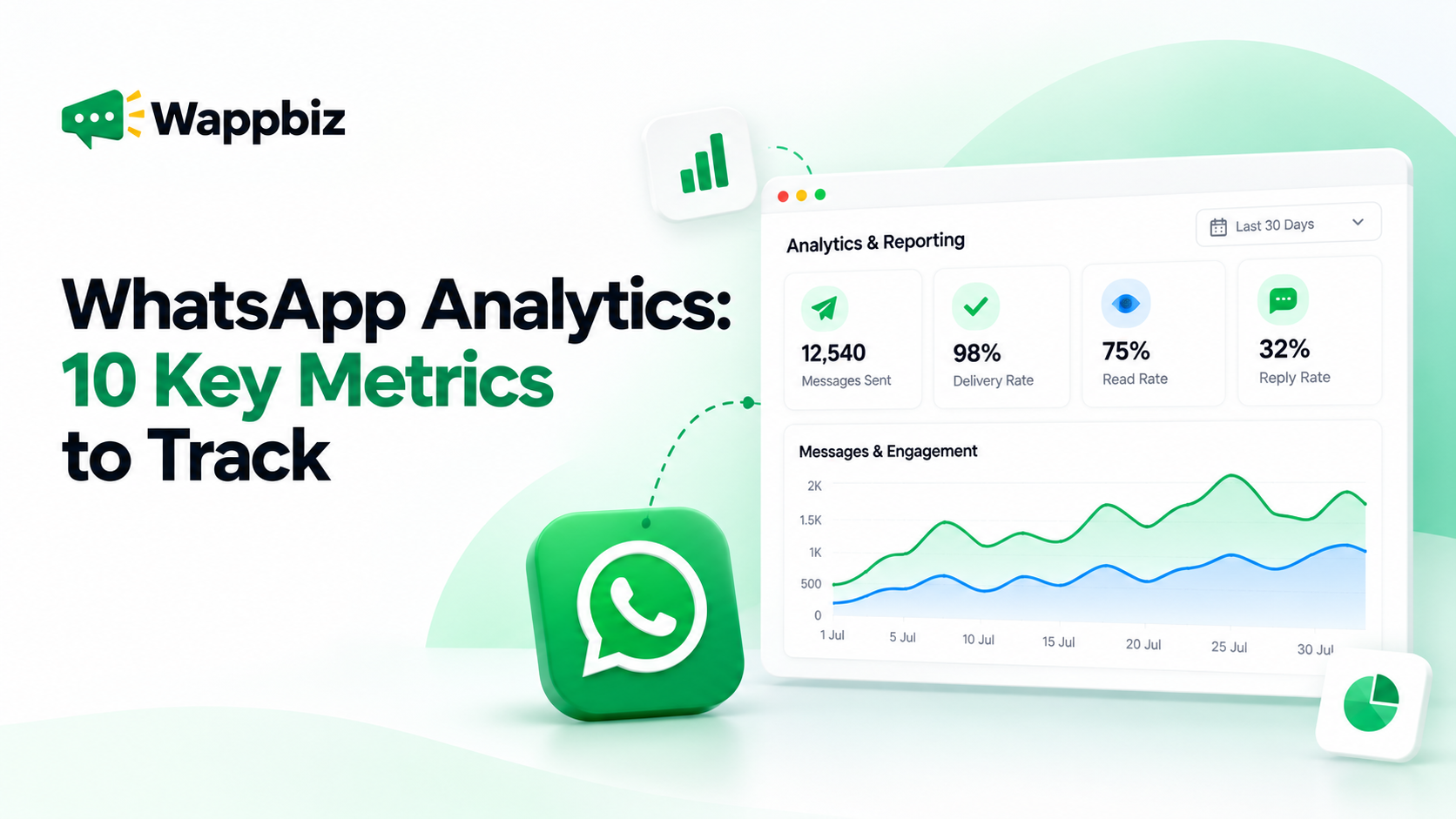
- Analytics on message delivery, read rates, and response times
Popular WhatsApp API providers include Interakt, AiSensy, Wati, and Gupshup. Most offer plans starting at ₹2,000-3,000/month.
Only move to the API when you have consistent inbound volume and a clear process for handling conversations. The free app is enough to build your first ₹1-5 lakh/month in WhatsApp revenue.
Quick-Start Checklist
- Download WhatsApp Business and complete your profile
- Add at least 10 products to your Catalog
- Set up Greeting Message and Away Message
- Create 5 Quick Replies (/price, /order, /pay, /delivery, /thanks)
- Set up Labels to track your pipeline
- Create your first Broadcast List with existing customers
- Post on WhatsApp Status 4x this week
- Add your WhatsApp link to your Instagram bio and Google Business Profile
- After your next 5 sales, ask each customer to save your number
WhatsApp is not a new tool for businesses but most are using only 10% of what it can do. The businesses growing fastest are treating it like a sales engine: organised, proactive, and personal.
Start with the basics: complete profile, catalog, automated messages, and your first broadcast. You will see results within days, not months.
What WappBiz Solves That the Free App Cannot:
| Free WhatsApp Business App | WappBiz |
| 256-contact broadcast limit | Unlimited bulk messaging to your entire database |
| Manual replies only | AI chatbot handles FAQs, lead qualification, order confirmations 24/7 |
| One phone, one agent | Multi-agent login your whole team on one number |
| No CRM leads lost in chat history | Built-in CRM tracks every lead, conversation, and follow-up |
| No performance data | Analytics dashboard: delivery rates, opens, ROI, team response time |
| Risk of ban with bulk activity | WhatsApp ban protection keeps your account compliant and safe |
WappBiz is built for businesses, retail shops, coaching institutes, healthcare clinics, real estate agencies, e-commerce brands, and more. Over 4 million messages have been sent on the platform, with clients across 10+ industries and 30+ countries.WappBiz clients report cutting response time by 80% and tripling customer satisfaction after switching from the free app to the full platform. Get started , Free trial available. No credit card required.