
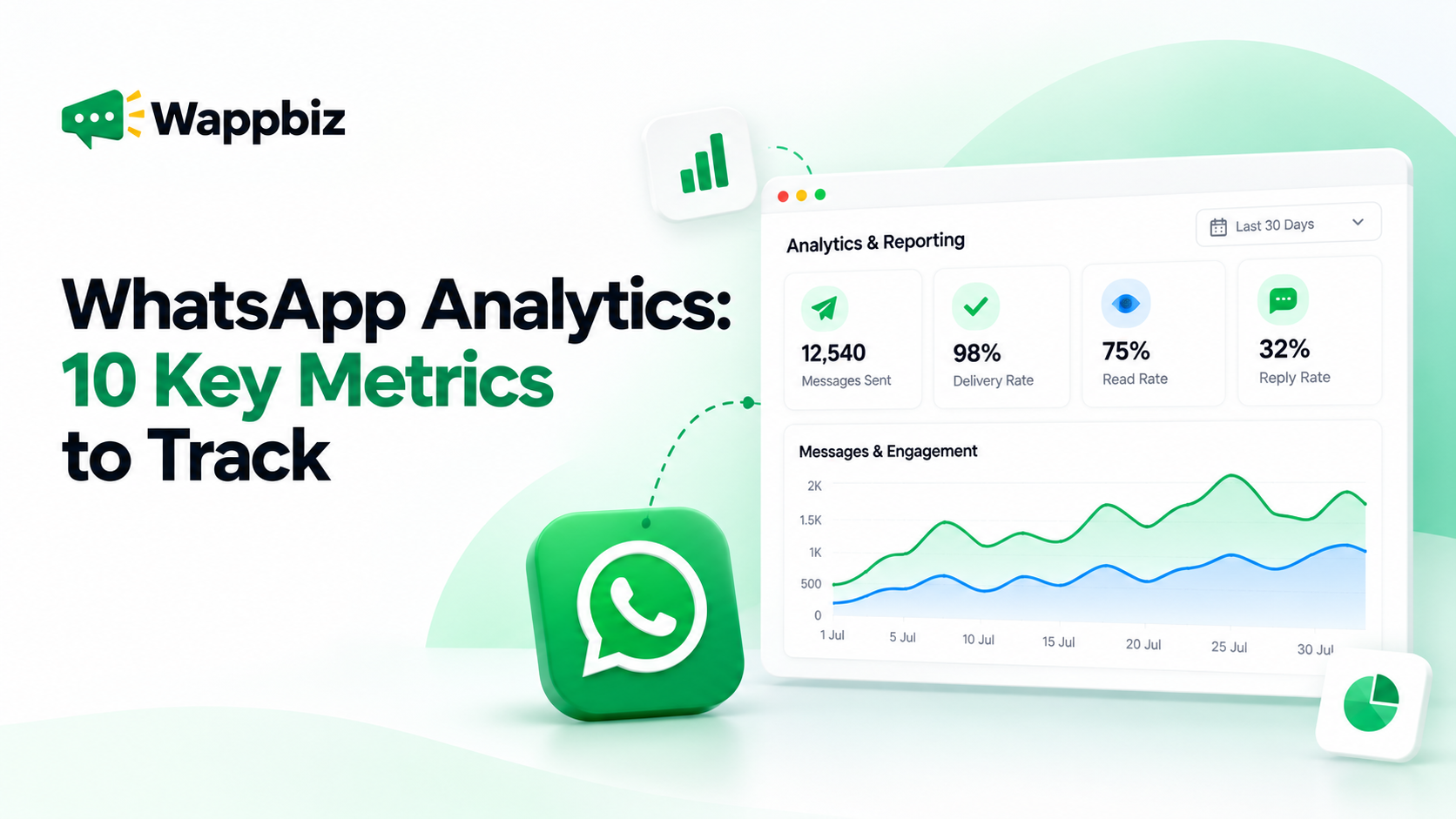
Sending WhatsApp messages is easy. Understanding whether those messages are reaching customers, generating responses, and supporting business goals is where analytics becomes essential. For businesses using WhatsApp for marketing, sales, and customer support, simply counting messages sent is not enough. Teams need to understand how customers engage with campaigns, how efficiently agents respond, and which communication activities deserve more attention.
WhatsApp Analytics helps businesses turn messaging activity into measurable insights. By tracking campaign performance, customer engagement, and team productivity, businesses can identify opportunities to improve their communication strategies. In this guide, we’ll explore 10 important WhatsApp analytics metrics, how to calculate them, what they reveal, and how businesses can use these insights to make better decisions.
What Is WhatsApp Analytics?
WhatsApp Analytics is the process of measuring and evaluating messaging activity, campaign performance, customer interactions, and operational efficiency across WhatsApp business communication. Depending on the platform and integrations used, businesses can monitor message delivery, read rates, customer responses, campaign results, and agent performance.
For example, a business running a promotional WhatsApp campaign might want to know:
- How many messages were successfully delivered?
- How many customers read the messages?
- What percentage of recipients responded?
- Which campaign generated the most enquiries?
- How quickly did sales agents respond?
These insights help businesses understand not just how many messages were sent, but what happened afterward.
Why Is WhatsApp Analytics Important for Businesses?
Without structured reporting, businesses may rely on assumptions when evaluating WhatsApp campaigns. A campaign with thousands of delivered messages might appear successful, but delivery alone doesn’t indicate whether customers engaged or took meaningful action.
WhatsApp Analytics helps businesses:
Measure communication effectiveness: Understand whether messages are reaching customers and encouraging interaction.
Improve campaign decisions: Compare campaign results and identify messaging approaches that perform better.
Understand customer engagement: Analyze responses and conversation patterns to learn what interests different audiences.
Monitor team productivity: Review agent activity and response efficiency to identify operational improvements.
Support better resource allocation: Use available performance data to decide which campaigns, audiences, and workflows deserve attention.
The goal isn’t to collect more data. It’s to use the right data to improve business outcomes.
10 Key WhatsApp Analytics Metrics Every Business Should Track
1. Messages Sent
Messages sent represents the total number of outgoing messages submitted through a WhatsApp messaging system during a selected period. This metric helps businesses understand campaign volume and messaging activity.
Why it matters: Tracking message volume makes it easier to compare campaigns, identify communication peaks, and plan operational capacity.
What to monitor: Messages sent by campaign, message category, audience segment, and reporting period.
Remember that a sent message is not necessarily a delivered message.
2. Message Delivery Rate
WhatsApp message delivery rate measures the percentage of sent messages that successfully reach recipients.
Formula: Delivery Rate = (Delivered Messages ÷ Sent Messages) × 100
Example: If a campaign sends 5,000 messages and 4,750 are delivered, its delivery rate is 95%.
Why it matters: Delivery rate helps businesses identify whether messages are reaching their intended audience.
How to improve it: Review failed message statuses, maintain valid contact information, respect opt-in requirements, and investigate recurring delivery issues.
3. Message Read Rate
WhatsApp read rate measures the proportion of delivered messages that recipients have read, where read information is available.
Formula: Read Rate = (Messages Read ÷ Delivered Messages) × 100
Example: If 4,000 messages are delivered and 3,000 are recorded as read, the read rate is 75%.
Why it matters: Read rate provides an indication of whether recipients are opening campaign messages.
How to improve it: Test message timing, audience relevance, and concise, recognizable messaging.
Read receipts and reporting availability can affect the completeness of this metric.
4. Customer Reply Rate
Reply rate measures how frequently recipients respond to WhatsApp messages.
Formula: Reply Rate = (Recipients Who Replied ÷ Delivered Recipients) × 100
Example: If a campaign reaches 2,000 unique recipients and 300 respond, the recipient reply rate is 15%.
Why it matters: Replies indicate active engagement and can help businesses evaluate whether campaign messages encourage conversation.
How to improve it: Ask relevant questions, provide clear next steps, and personalize communication using appropriate customer context.
Define whether your reporting uses unique responding recipients or total replies, and use that definition consistently.
5. Failed Message Rate
Failed message rate measures the percentage of attempted messages that could not be delivered successfully.
Formula: Failed Message Rate = (Failed Messages ÷ Attempted Messages) × 100
Why it matters: A high failure rate can signal contact-data issues, messaging restrictions, or other delivery problems.
How to improve it: Review failure reasons, verify recipient information, and follow WhatsApp messaging policies.
Track failed messages alongside delivered and pending statuses rather than interpreting them in isolation.
6. WhatsApp Campaign Performance
Campaign performance brings together multiple metrics to evaluate the results of an individual messaging campaign.
Useful measurements include:
- Messages sent and delivered
- Read and reply rates
- Customer enquiries generated
- Campaign-related conversions, where attribution is available
Why it matters: Comparing campaigns helps marketers identify which audiences, offers, and messaging approaches produce stronger engagement.
How to improve it: Test one meaningful variable at a time, such as audience segment, message copy, or campaign timing.
Avoid declaring a campaign successful based on a single metric.
7. Customer Engagement Trends
Customer engagement trends show how interactions change across audiences, campaigns, and reporting periods. Businesses can study conversation volume, reply patterns, recurring customer questions, and engagement by customer segment.
Why it matters: These patterns help teams understand what customers care about and when they are most likely to interact.
How to improve it: Segment customers based on relevant interests, lifecycle stages, and previous engagement, then tailor communication accordingly.
8. Agent Performance and Response Time
Agent performance analytics helps businesses evaluate how efficiently sales and support teams manage WhatsApp conversations. Useful metrics include:
- Conversations handled per agent
- First response time
- Average response time
- Open or pending conversations
- Workload distribution
Why it matters: Monitoring team performance helps managers identify delayed responses, uneven workloads, and opportunities to improve customer service.
How to improve it: Establish response-time targets, review conversation assignments, and use quick replies or automation for repetitive enquiries.
Evaluate productivity alongside service quality rather than relying only on the number of conversations handled.
9. Meta Ads and WhatsApp Lead Performance
Businesses running Click-to-WhatsApp advertising campaigns may also want to understand what happens after a customer starts a conversation. Relevant metrics can include ad-generated conversations, leads captured, lead qualification activity, and campaign conversions.
Why it matters: Advertising metrics alone may not show whether enquiries progress into meaningful sales opportunities.
How to improve it: Use consistent campaign tracking, define lead stages, and connect available advertising and messaging data.
Important: Advertising return on investment requires reliable cost and conversion-value data. Conversation volume alone cannot establish ROI.
10. WhatsApp Campaign Conversion Rate
Conversion rate measures the percentage of a defined campaign audience that completes a desired action. Depending on the business, a conversion could mean booking an appointment, requesting a demo, completing a purchase, or becoming a qualified lead.
Formula:Conversion Rate = (Attributed Conversions ÷ Eligible Campaign Recipients) × 100
Example: If 1,000 recipients are included in a measured campaign and 40 complete the defined action, the conversion rate is 4%.
Why it matters: Conversion rate connects WhatsApp activity to meaningful business objectives.
How to improve it: Define conversions clearly, use consistent attribution windows, and track customer progression beyond the initial reply.
Conversion reporting may require CRM, website, commerce, or other integrations.
WhatsApp Analytics Metrics: Quick Reference
| Metric | What It Measures | Business Application |
|---|---|---|
| Messages Sent | Outgoing messaging volume | Campaign activity |
| Delivery Rate | Successful delivery | Message reach |
| Read Rate | Recorded message reads | Message visibility |
| Reply Rate | Customer responses | Active engagement |
| Failed Message Rate | Delivery failures | Delivery troubleshooting |
| Campaign Performance | Combined campaign results | Campaign optimization |
| Engagement Trends | Customer interaction patterns | Audience understanding |
| Agent Performance | Team response and workload | Operational efficiency |
| Meta Ads Lead Performance | Advertising-related enquiries | Lead tracking |
| Conversion Rate | Desired customer actions | Business outcomes |
How to Use WhatsApp Analytics to Improve Campaign Performance
Collecting analytics is only the first step. Businesses also need a repeatable process for turning insights into improvements.
Step 1: Define Your Campaign Objective
Before launching a campaign, decide what success means. An awareness campaign might prioritize reach and engagement, while an appointment campaign might focus on confirmed bookings.
Step 2: Establish a Performance Baseline
Review previous campaign results and identify typical delivery, read, and reply rates. Use comparable audiences and campaign types wherever possible.
Step 3: Identify the Biggest Performance Gap
Look at the customer journey from delivery to response and conversion. For example, a strong delivery rate combined with a low reply rate may indicate that the message reached customers but did not motivate interaction.
Step 4: Make Targeted Improvements
Adjust the message, audience, timing, or follow-up process based on the identified issue. Avoid changing several variables simultaneously when testing performance.
Step 5: Measure Results and Repeat
Compare the next campaign with your baseline, document the changes, and continue refining your approach. This creates a more systematic approach to WhatsApp campaign optimization.
WhatsApp Business App vs WhatsApp Business API Analytics
The WhatsApp Business App and the WhatsApp Business Platform serve different operational needs. The standard Business App offers basic business messaging capabilities and limited message-related insights. The WhatsApp Business Platform, used through approved integrations and business software providers, enables more extensive messaging workflows and reporting possibilities.
| Capability | WhatsApp Business App | WhatsApp Business Platform with WappBiz |
|---|---|---|
| Basic messaging insights | Limited | Supported |
| Structured campaign reporting | Limited | Available through supported modules |
| Team activity reporting | Limited | Supported |
| Campaign management | Basic capabilities | Dedicated campaign tools |
| Customer segmentation | Basic labels | Advanced tagging and filters |
| Centralized reporting | Limited | Analytics dashboards |
The specific metrics available depend on platform functionality, account setup, and connected integrations.
How WappBiz Simplifies WhatsApp Analytics & Reporting
WappBiz brings WhatsApp messaging, campaign analytics, and team activity reporting into a centralized platform. Instead of evaluating customer communication through disconnected workflows, businesses can use supported reporting modules to monitor important activities and identify improvement opportunities.
WhatsApp Analytics Dashboard
Monitor messaging activity, customer engagement, and operational performance through a centralized reporting interface.
WhatsApp Campaign Analytics
Review campaign activity, delivery information, and customer responses to understand campaign effectiveness.
Agent Performance Insights
Gain visibility into agent activity, response efficiency, and workload distribution to support better team management.
Meta Ads and Module-Wise Analytics
Access supported campaign and module-level reporting to understand lead activity and platform performance. WappBiz helps sales, marketing, and support teams use communication data to make more informed decisions. Explore WappBiz WhatsApp Analytics & Reporting →
Turn WhatsApp Data into Better Business Decisions
Successful WhatsApp marketing is not just about reaching more customers. It’s about understanding how those customers respond and using that information to improve future interactions. By monitoring delivery, engagement, campaign results, and team performance, businesses can move from assumptions to more informed communication decisions.
With WappBiz WhatsApp Analytics & Reporting, businesses can bring important messaging and campaign insights into one centralized platform. Book a Demo | Start Free Trial