
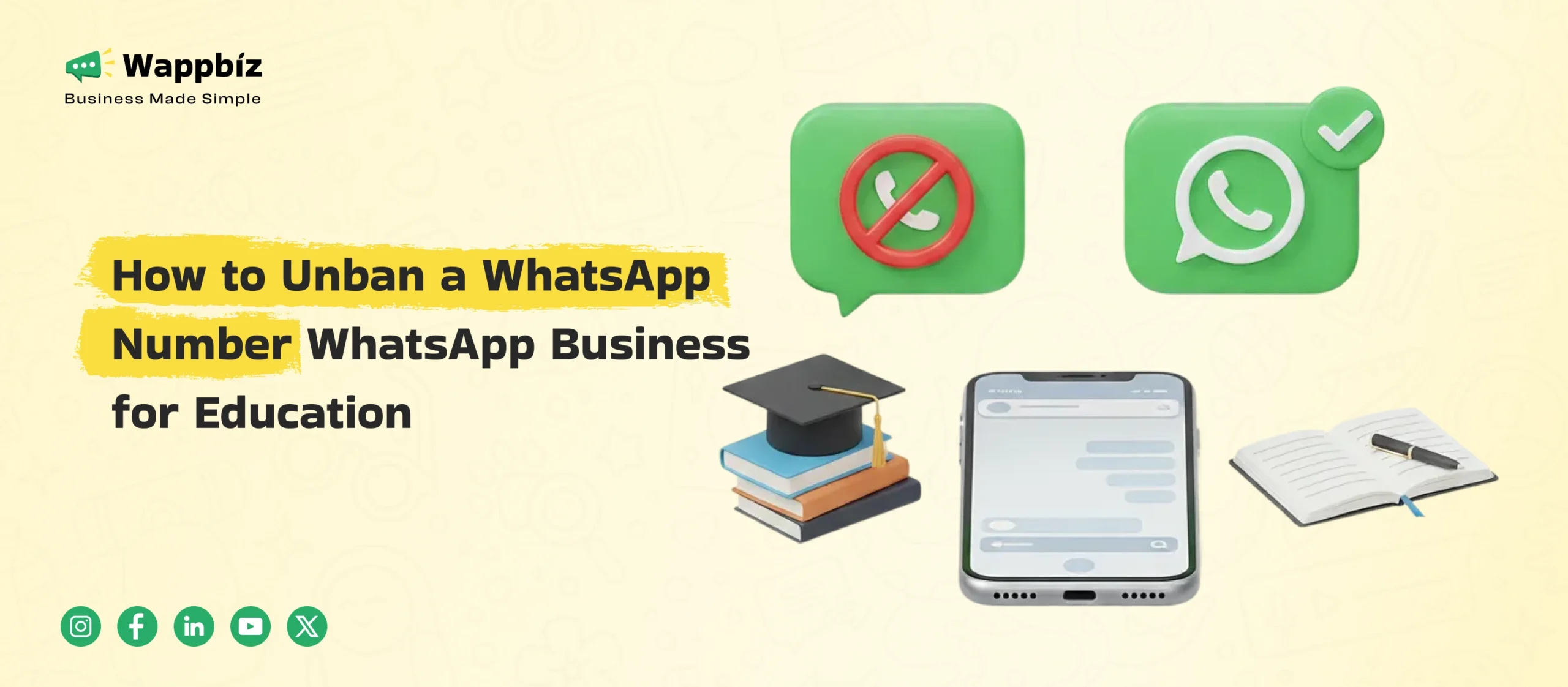
Seeing a message that your WhatsApp number is banned can be stressful — especially if you use WhatsApp for daily communication or business. Many users face this issue without knowing what triggered it or how to fix it.
The good news is that WhatsApp bans are not always permanent. In many cases, you can request a review and get your number restored if you follow the correct process.
This guide explains why WhatsApp bans numbers, the types of bans, and exactly how to unban your WhatsApp number, step by step.
Why WhatsApp Bans Numbers
WhatsApp actively monitors accounts to protect users from spam, scams, and misuse. If an account violates its policies — intentionally or unintentionally — WhatsApp may ban the number.
Common reasons include:
- Sending unsolicited or bulk messages
- Getting blocked or reported by multiple users
- Using unofficial or modified apps (GB WhatsApp, FM WhatsApp, etc.)
- Automating messages without proper consent
- Sudden spikes in message volume from a new number
Even genuine users and businesses can get banned if WhatsApp detects unusual or risky behavior.
Types of WhatsApp Bans
1. Temporary Ban
- Often shows a countdown timer
- Usually caused by minor policy violations
- Access may be restored automatically after the waiting period
2. Permanent Ban
- Message says your number is no longer allowed to use WhatsApp
- Requires manual review from WhatsApp
- Reversal depends on WhatsApp’s decision
How to Unban a WhatsApp Number (Step-by-Step)
Step 1: Read the Ban Message Carefully
Open WhatsApp and note the exact message displayed. It usually indicates whether the ban is temporary or permanent.
Step 2: Reinstall the Official WhatsApp App
- Uninstall WhatsApp from your phone
- Download it again from the Google Play Store or Apple App Store
- Log in using your phone number and verify via SMS
Sometimes, this step alone resolves temporary bans.
Step 3: Request a Review from WhatsApp (Most Important Step)
If the ban still appears:
- Tap “Request a Review” on the ban screen
- Enter a clear and polite explanation
- Submit the request
Sample message you can use:
Hello WhatsApp Support,
My number +91XXXXXXXXXX has been banned. I believe this may be a mistake. I use only the official WhatsApp app and follow all guidelines. Kindly review and restore my account. Thank you.
Reviews usually take 24–72 hours, though sometimes longer.
Step 4: Contact WhatsApp Support via Email (Optional)
If you don’t receive a response through the app:
- Personal accounts: support@whatsapp.com
- WhatsApp Business accounts: smb_web@support.whatsapp.com
Include:
- Phone number with country code
- Device type
- A short, respectful explanation
Avoid sending multiple emails in a short time.
What If WhatsApp Rejects the Unban Request?
If your appeal is denied:
- Wait a few weeks before trying again
- Avoid repeated appeals within a short period
- In severe cases, you may need to register a new phone number
Unfortunately, WhatsApp does not guarantee account restoration for repeated or serious violations.
How to Avoid WhatsApp Bans in the Future
To reduce the risk of bans:
- Use only the official WhatsApp or WhatsApp Business app
- Message users who have explicitly opted in
- Gradually increase messaging on new numbers
- Avoid sending the same message to many users at once
- Do not use unverified automation or third-party tools
Following these practices significantly lowers the chances of getting banned again.
How WappBiz Helps You Stay Compliant on WhatsApp
One of the biggest reasons WhatsApp numbers get banned is non-compliant messaging — such as sending bulk messages without consent or using unsafe tools.
This is where platforms like WappBiz can help businesses communicate on WhatsApp safely and responsibly.
With WappBiz, businesses can:
- Message only opted-in users
- Use approved message templates
- Control message frequency to avoid spam flags
- Manage conversations in a structured, compliant way
- Avoid risky third-party or modified tools
Instead of reacting to bans, businesses can build long-term, policy-friendly WhatsApp engagement by following compliant practices from the start.
Frequently Asked Questions (FAQs)
How long does a WhatsApp ban last?
Temporary bans may last from a few hours to days. Permanent bans require WhatsApp approval.
Can WhatsApp permanently ban my number?
Yes. Repeated violations or serious misuse can result in permanent bans.
Does WhatsApp always unban numbers after review?
No. Each request is reviewed individually, and reinstatement is not guaranteed.
Final Thoughts
If your WhatsApp number is banned, the best approach is to follow the official review process patiently. In many cases, a proper appeal works.
At the same time, preventing future bans is just as important — especially for businesses that rely on WhatsApp for customer communication. Using compliant messaging practices and reliable platforms helps ensure your WhatsApp account stays active, trusted, and ban-free. Contact us to get started with the whatsapp business API platform.