

Choosing the right WhatsApp team inbox is the most effective way to scale your business communications and stop losing leads to slow response times. When your customer inquiries grow, relying on a personal mobile app makes it impossible for multiple agents to collaborate, leading to dropped conversations and massive internal confusion. A professional shared platform solves this operational hurdle by allowing your entire team to manage all incoming customer messages from a single dashboard.
By centralizing your conversations through a shared WhatsApp team inbox, you can ensure that every lead is tracked and every customer gets an immediate response. This shift from chaotic text messages to a structured system helps your business handle high volumes of messages without hiring more people.
Key Features of a WhatsApp Team Inbox
Transitioning to an enterprise-grade platform requires a clear understanding of the tools that drive business growth. The right system does not just send messages; it provides control, security, and automation for your entire team. The following capabilities are the absolute essentials you must look for to build a scalable customer communication engine.
Number Masking
Data privacy is a major concern when you have multiple agents talking to customers on a single dashboard. If your agents can see the complete phone numbers of your leads, your business faces the risk of data leaks or off-platform transactions where employees take clients away from your official database.
- What to look for: Look for an option that hides the middle digits of a customer’s phone number from your support and sales agents.
- Why it matters: Hiding these digits ensures that operators can text and manage conversations normally without ever copying or exporting your private database, fully protecting your business assets.
Centralized communication
Managing conversations across separate platforms, personal phones, and multiple social media profiles causes critical customer requests to fall through the cracks. True centralized communication solves this by gathering every incoming interaction into one main stream.
- What to look for: Look for a dashboard that combines your WhatsApp messages with other essential chat avenues like website widgets and CRM notes in one single place.
- Why it matters: Your team can monitor, track, and manage all customer interactions without switching tabs, which cuts down response delays and guarantees that no consumer inquiry goes ignored.
Assignment and routing
When you have hundreds of customer inquiries coming in daily, manually picking who answers each chat wastes valuable time and leaves high-intent leads waiting. Your platform needs built-in automation to distribute the daily message load evenly and fairly across your workspace.
- What to look for: Look for options like round-robin routing to distribute chats evenly among active agents, or skill-based routing to automatically send support questions to technical staff and buying questions to sales agents.
- Why it matters: Setting up automated rules creates clear conversation ownership and cuts down customer wait times significantly, ensuring the right specialist handles the user from the very first text.
Pro Tip: If you are setting up these features for the first time, check out our step-by-step WhatsApp team inbox guide to configure your routing rules and agent permissions without errors.
Integrating with CRM
An agent cannot provide a high-quality conversation if they are typing blindly without knowing a client’s past purchase records or interaction status. Forcing your staff to continuously switch between a messaging dashboard and separate data software slows down operations and ruins the customer experience.
- What to look for: Look for deep, two-way integration options that pull live contact details, active sales stages, and past purchase data directly into your chat sidebar.
- Why it matters: Your team can immediately see order updates or lead tags right next to the conversation field, allowing them to personalize the text instantly without wasting time hunting for information.
Analytics and reporting
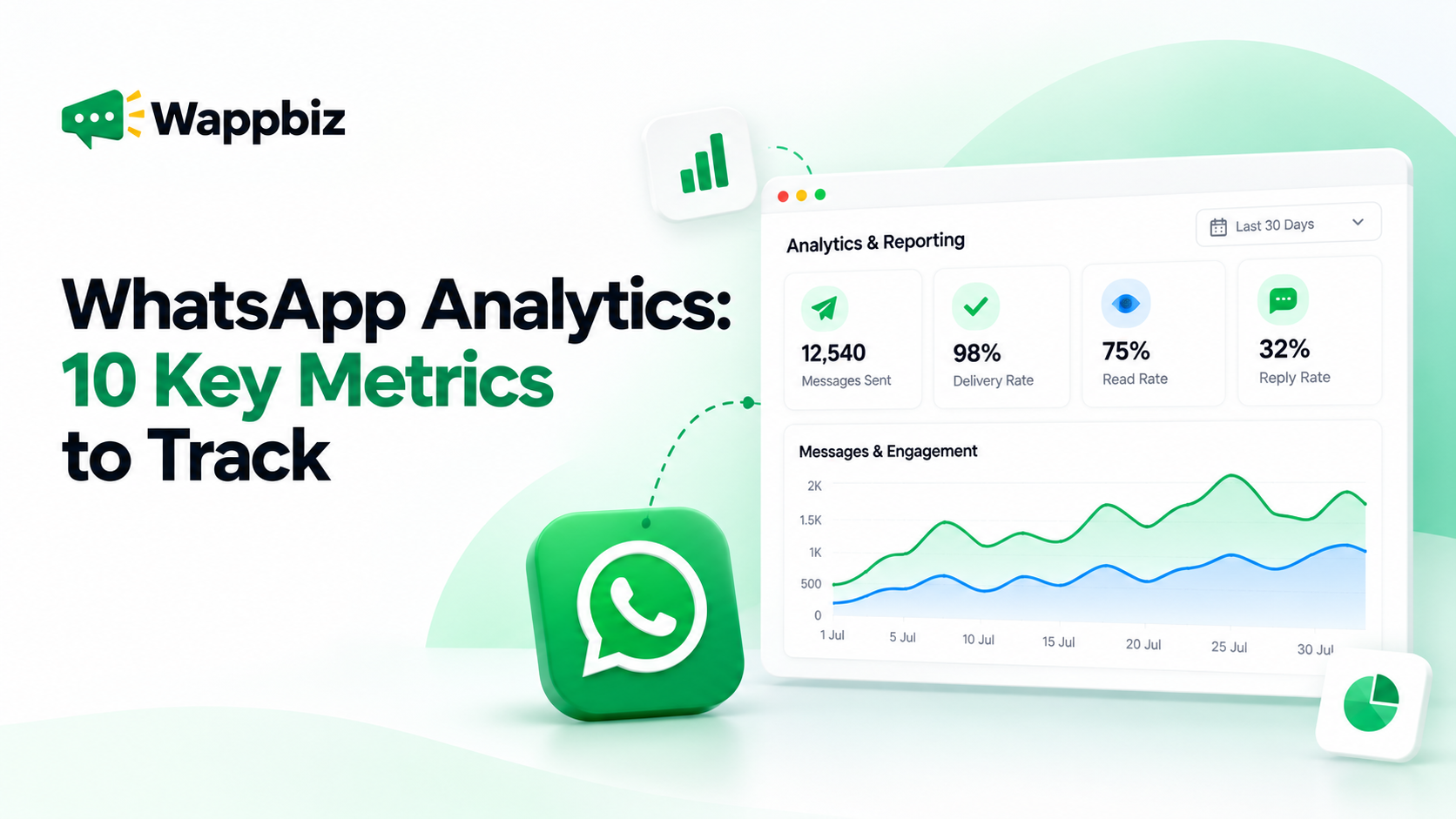
Without clear data, managers cannot see where customer communication is breaking down or which team members are completely overloaded. You cannot improve your response times or your conversion rates if you cannot track them accurately.
- What to look for: Look for a comprehensive performance dashboard that tracks real-time data like first response speed, average resolution time, and individual chat volumes per agent.
- Why it matters: Access to precise metrics allows leaders to monitor productivity patterns fairly, balance heavy chat queues, and make smart decisions to scale business operations.
Automated responses
Your agents should not spend hours manually answering the same basic questions every single day. Combining human effort with automated triggers keeps the workspace clean and manageable.
- What to look for: Look for built-in tools like quick replies for recurring questions, out-of-office automated texts, and interactive template buttons that guide users through a chat path.
- Why it matters: Setting up automated replies solves repetitive support issues instantly, ensuring your customers get answers at any hour while your team focuses strictly on complex conversations.
Internal notes
Customer-facing conversations often require input or approvals from managers or technical experts. If your agents have to leave the chat tool to ask a teammate a question on Slack or via email, the customer is left waiting and response times slow down.
- What to look for: Look for a private messaging feature that allows team members to tag each other and leave comments directly inside the customer’s active chat timeline.
- Why it matters: These notes are completely invisible to the customer, allowing your agents to collaborate, share context, and resolve issues behind the scenes without making the customer repeat their problem.
Role-based permissions
Giving every employee equal access to your settings, templates, and full contact databases creates massive security risks. A growing workspace requires clear boundaries to prevent accidental changes or unauthorized data downloads.
- What to look for: Look for a management system that lets you assign specific system access levels, such as admin, manager, or agent roles.
- Why it matters: Setting up distinct permissions keeps your platform secure, ensuring that agents can only view their own assigned chats while restricting critical actions like template deletions or data exports to managers and owners.
Choosing the Right Platform for Your Business
While knowing which features to look for helps you evaluate your options, finding a platform that actually implements these tools effectively is what determines your long-term success. Most solutions in the market provide standard access to the WhatsApp Business API, but they leave the technical setup, workflow design, and optimization entirely up to you. This self-serve model often leads to poorly configured systems that sit unused because they do not fit your specific business operations.
WappBiz sets itself apart by blending advanced, AI-first intelligence directly into the core dashboard rather than locking it behind premium tiers. Instead of forcing your business to adapt to a rigid layout, WappBiz offers fully customizable automation structures that grow alongside your sales and support workflows.
Here is exactly why growing businesses trust WappBiz over generic alternatives:
- Zero Implementation Friction: While competitors send you a simple documentation link and leave you to set it up yourself, WappBiz includes dedicated implementation support in every plan to build your workflows alongside you.
- Built-in Marketing Automations: You do not need to buy separate software for different jobs; WappBiz combines your team inbox with advanced native tools like multi-step drip campaigns, WhatsApp forms, and live product catalog sharing.
- Tailored Custom Integrations: Unlike platforms that limit you to basic, pre-built plugins, WappBiz allows you to build custom API connections that hook directly into your specific inventory software, proprietary databases, and internal platforms to keep your business running exactly how you want it.
- Best in Class Customer Support: You never have to wait days for an automated email response when an active campaign stalls; WappBiz provides hyper-responsive, 24/7 dedicated support to troubleshoot technical issues instantly and keep your customer communications live.
- Transparent Pass-Through Pricing: WappBiz charges a flat platform fee and passes Meta’s standard conversation charges directly to you with absolute transparency and zero hidden markups.
The biggest challenge for most growing businesses isn’t just buying software; it is the implementation gap. WappBiz resolves this by providing dedicated partner support to guide you through Meta verification, build your initial routing rules, and map your custom CRM integrations seamlessly. By picking an infrastructure that combines deep multi-agent routing, strict number masking, and hands-on setup support, you transform WhatsApp from a basic text application into a highly efficient revenue engine.
Conclusion
Moving away from personal messaging apps to a structured workspace is the most reliable way to scale your operations and manage high conversation volumes without losing control. By anchoring your business around a workspace that prioritizes clear conversation ownership, automated routing, data privacy, and CRM integrations, you protect your customer relationships and ensure your team never drops a critical lead again.
Choosing a partner like WappBiz bridges the implementation gap completely, turning your daily messaging dashboard into a secure, highly efficient revenue engine that grows effortlessly alongside your business.