
📩 WhatsApp Team Inbox
WhatsApp Team Inbox that Never Misses a Lead
- No Credit Card Required
- Rated 4.3 on G2
- Blue Tick Verification
Join over 500+ customers worldwide who trust Wappbiz!


























What is WhatsApp Team Inbox?
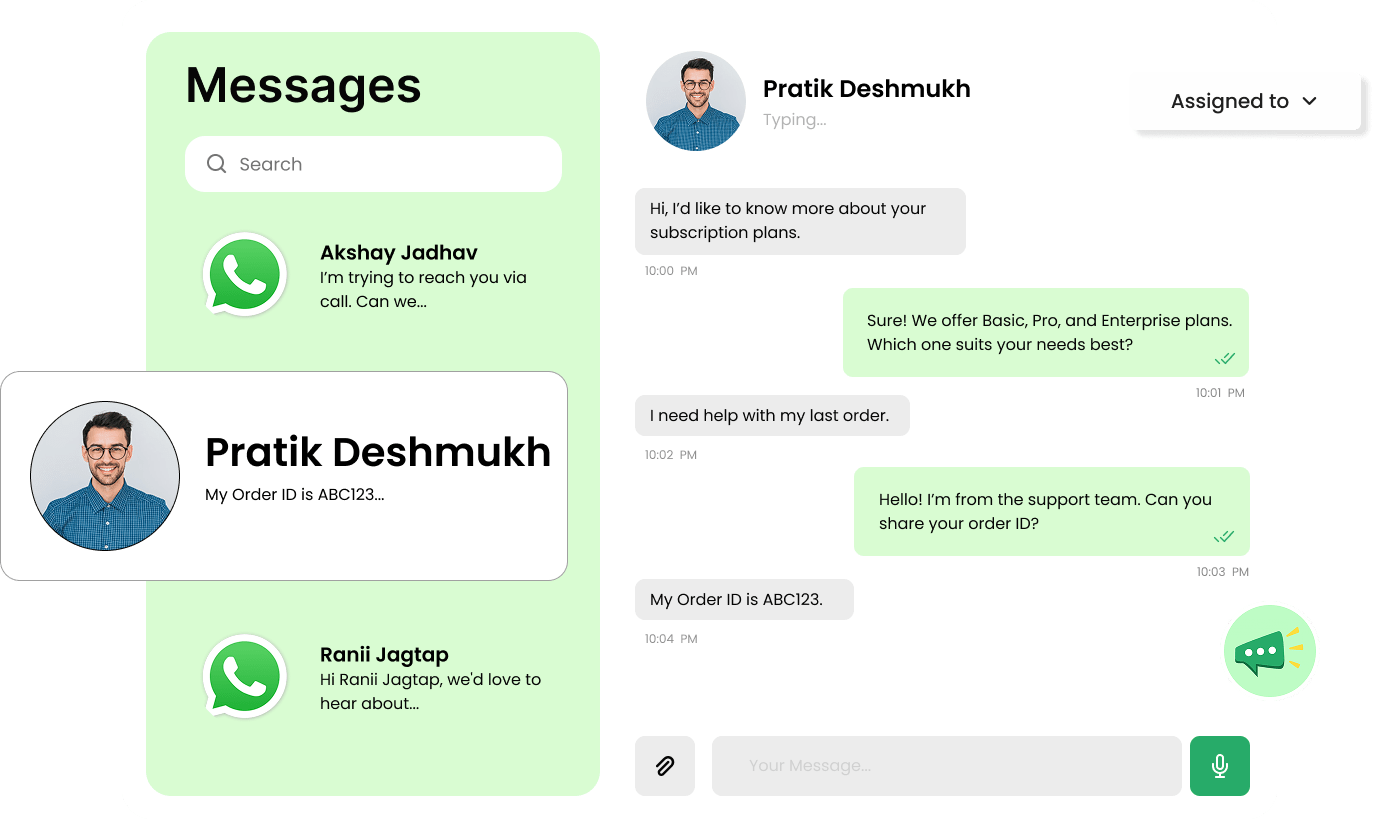
WhatsApp Team Inbox is a shared workspace where multiple team members manage customer conversations from a single WhatsApp number, helping you stay organized, maintain visibility, and assign chats efficiently.
- Shared inbox for all team members
- Automatic chat assignment & load balancing
- Quick, standardized replies for consistency
- Zero missed enquiries or delayed responses
What Sets Wappbiz Apart
Quick Response and Fair Load Assignment
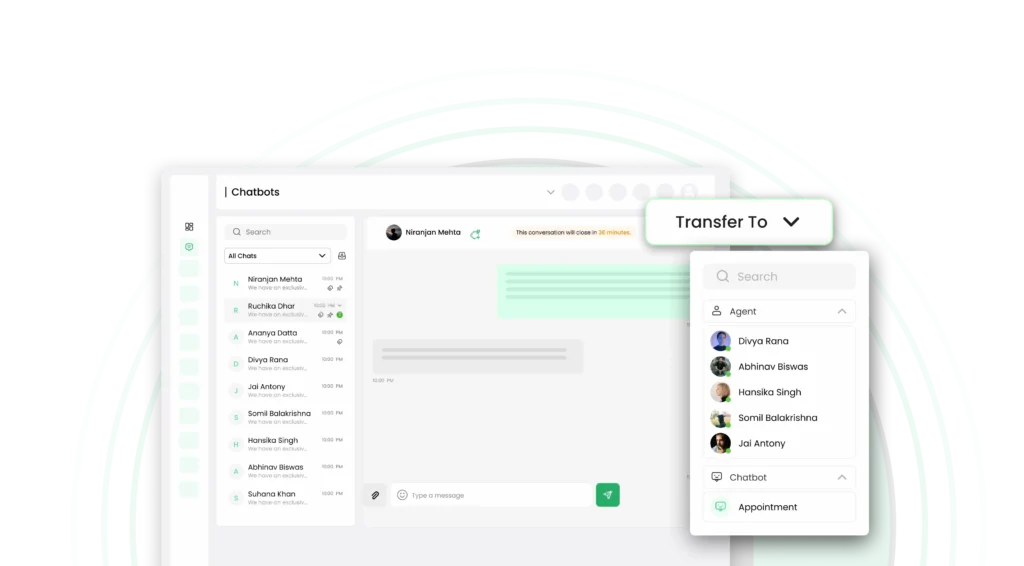
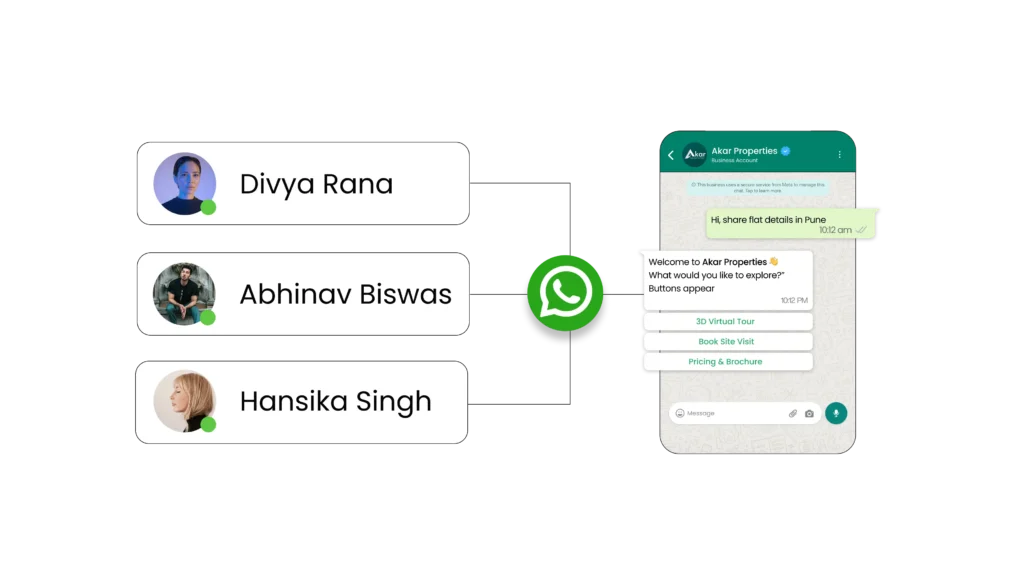
- Automatically assign chats to agents to balance workload evenly
- Ensure faster response times without overloading specific team members
- Improve team efficiency while handling high conversation volumes
AI Capabilities to Make Smarter Conversation
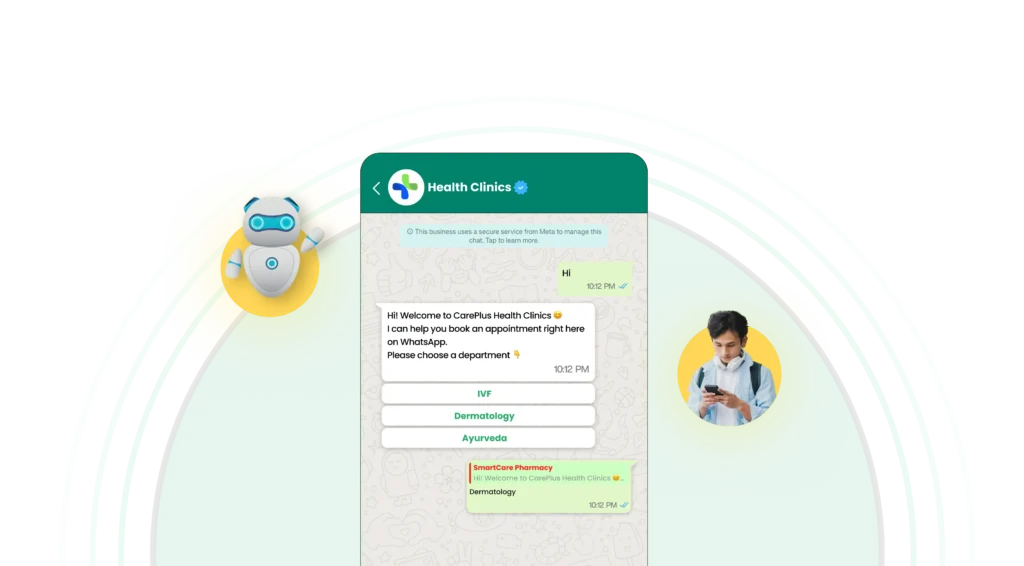
- Get AI-powered reply suggestions to respond instantly and accurately
- Automatically summarize chats for quick understanding and follow-ups
- Detect customer intent and trigger smart escalation when needed
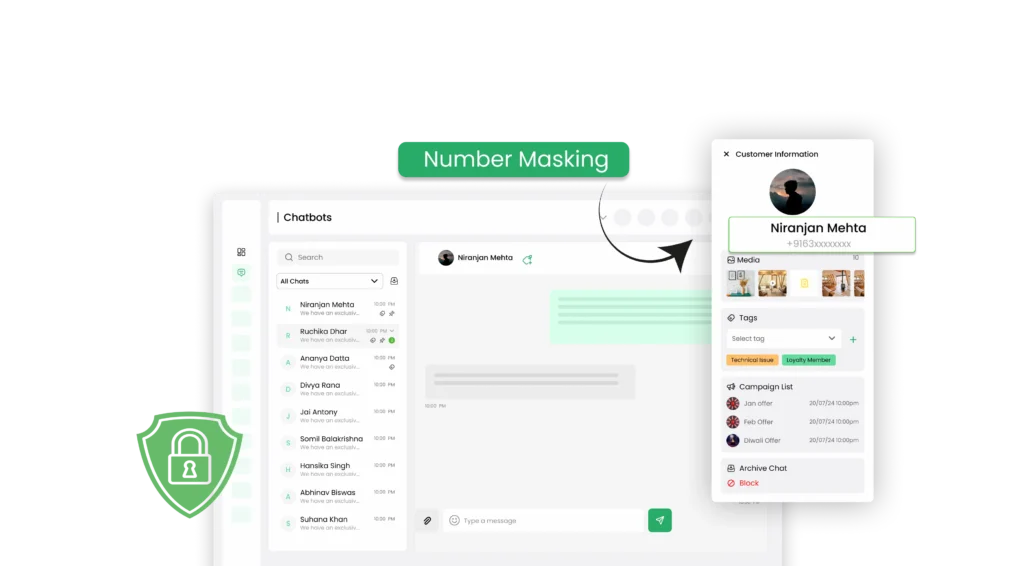
Protect Customer Data With Number Masking
- Hide customer phone number from agents to ensure privacy and security
- Prevent misuse or unauthorized access to sensitive customer information
- Build trust with customers through secure, controlled communication
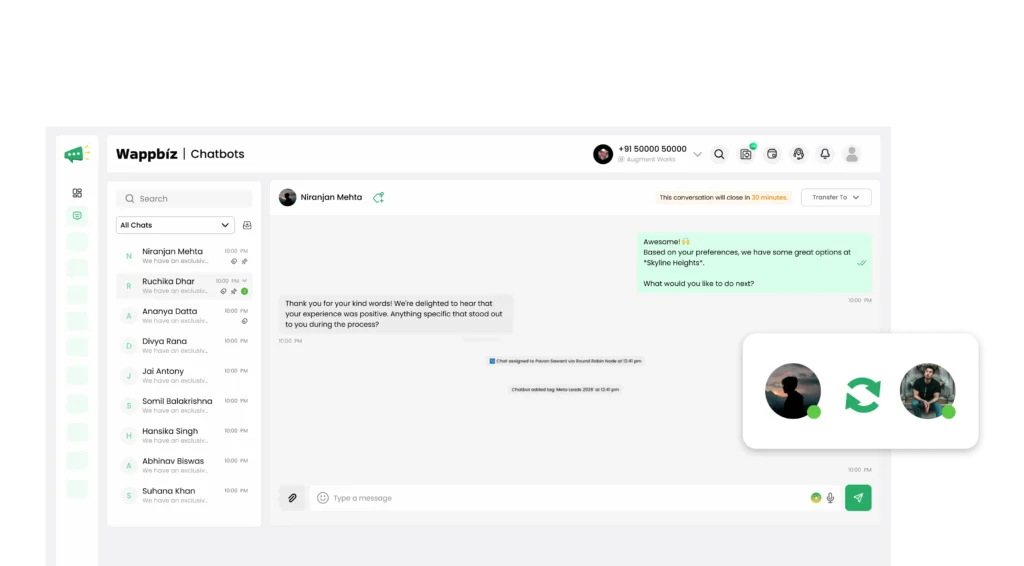
Never Lose Context Between Conversations
- Access complete chat history across agents for seamless handovers
- Maintain continuity when conversations shift between team members
- Eliminate repeated questions and improve customer experience
Key Advantages of WhatsApp Team Inbox
Customizable Access Controls
Manage access levels for each agent, granting permissions based on their role and ensuring data security and streamlined workflows.
Enhanced Team Collaboration
Allow multiple agents to access the WappBiz platform simultaneously, ensuring smooth coordination and quick responses to customer inquiries.
Internal Notes & Handover
Keep internal updates without sending them to customers by creating dedicated internal channels for team collaboration and information sharing without risking external exposure.
Individual Agent Monitoring
Track each agent’s activity and response performance, helping you monitor productivity and ensure high standards of customer service.
Multi-Device Access
Respond from desktop, tablet, or mobile with our versatile platform that ensures consistent communication no matter where you are or which device you choose to use.
Real-Time Notifications
Get instant alerts for new messages and never miss important customer inquiries that require your immediate attention or quick response to maintain excellent service standards.
Upgrade to a Smarter WhatsApp Team Inbox
Manage all customer conversations from one shared inbox, respond faster, and ensure no lead is ever missed.
How It Works – 4 Simple Steps
Easily manage WhatsApp conversations with your team in just four steps:
Go to Settings
Access the Settings section in your WappBiz dashboard to manage user accounts.
Invite Agents
Add agents by entering their email addresses and assigning them appropriate access levels.
Set Permissions
Customize permissions for each agent based on their role, such as viewing, responding, or managing customer interactions.
Monitor Activity
Use WappBiz’s analytics to view individual agent performance, track response times, and make data-driven decisions to optimize your customer support.
How Different Industries Benefit from Wappbiz’s Shared Team Inbox
No matter your industry, Wappbiz’s Shared Team Inbox helps streamline communication, improve response times, and enhance customer engagement
E-commerce & Retail
Manage customer inquiries, process orders, and handle returns seamlessly.
Travel & Hospitality
Book trips, provide instant support, and send automated travel updates.
Healthcare & Wellness
Schedule appointments, send reminders, and answer patient queries efficiently.
Education & E-learning
Handle student admissions, class reminders, and course inquiries from a single inbox.
Professional Services
Respond to client queries, manage appointments, and enhance customer engagement.
Real Estate & Property
Engage leads, schedule property visits, and provide instant updates.
Banking & Financial
Offer instant customer support, process loan inquiries, and handle transactions securely.
Automotive & Dealerships
Handle inquiries, schedule test drives, and provide after-sales support.
Seamless Integrations for Enhanced Efficiency
Seamlessly integrate with your preferred apps to streamline workflows and ensure business continuity. With Wappbiz, simplify your processes and enhance efficiency across every aspect of your business, enabling smooth communication and data flow between all your essential tools.















Frequently Asked Questions
A WhatsApp Team Inbox is a shared workspace where multiple agents manage customer conversations from one number.
It centralizes all chats in one dashboard, allowing teams to view, assign, and respond to conversations collaboratively.
Yes, with WhatsApp Business API, multiple agents can handle conversations from a single number simultaneously.
By using a team inbox that enables chat assignment, shared visibility, and structured response workflows.
Chats can be assigned manually or automatically using routing rules like round robin or priority-based distribution.
By using automation, chat assignment, and AI tools to manage and respond to conversations efficiently at scale.
It combines automation and team collaboration to route chats, send instant replies, and streamline communication workflows.
You can set it up by integrating your number with a WhatsApp Business API platform like Wappbiz.
It allows teams to use pre-approved message templates to reply quickly while maintaining consistency.
It connects customer data with conversations, enabling better tracking, personalization, and follow-ups.